
Free · host plugin
MCP Manager: a built-in MCP server for your WordPress site
MCP Manager is a free WordPress plugin that adds a complete admin UI to the WordPress MCP Adapter — the official package that turns your site’s abilities into Model Context Protocol tools. Create MCP servers, expose the abilities you choose, and connect Claude, ChatGPT, Cursor, VS Code, Copilot and more over HTTP, STDIO or the CLI — with WordPress Application Passwords and per-request access control.
Runs on your server · Bring your own AI · No middleman cloud
240
Abilities available
16+
Supported MCP clients
3
Transports: HTTP · STDIO · CLI
0
Vendor lock-in
Works with the clients you already use
Claude Desktop
Claude Code
VS Code
GitHub Copilot
Codex
Cursor
+ any custom client
Built on the official WordPress MCP Adapter
A complete MCP control panel
Multiple MCP servers
Register and manage MCP servers, each with its own route, status and version.
Ready-to-paste configs
Per-client setup for Claude, VS Code, Copilot, Codex and Cursor — copy the JSON and go.
AI Connectors
Copy your MCP URL and add it as a remote custom connector in Claude in seconds.
Expose abilities as tools
Choose exactly which of your abilities become MCP tools for agents to call.
WP-CLI & STDIO
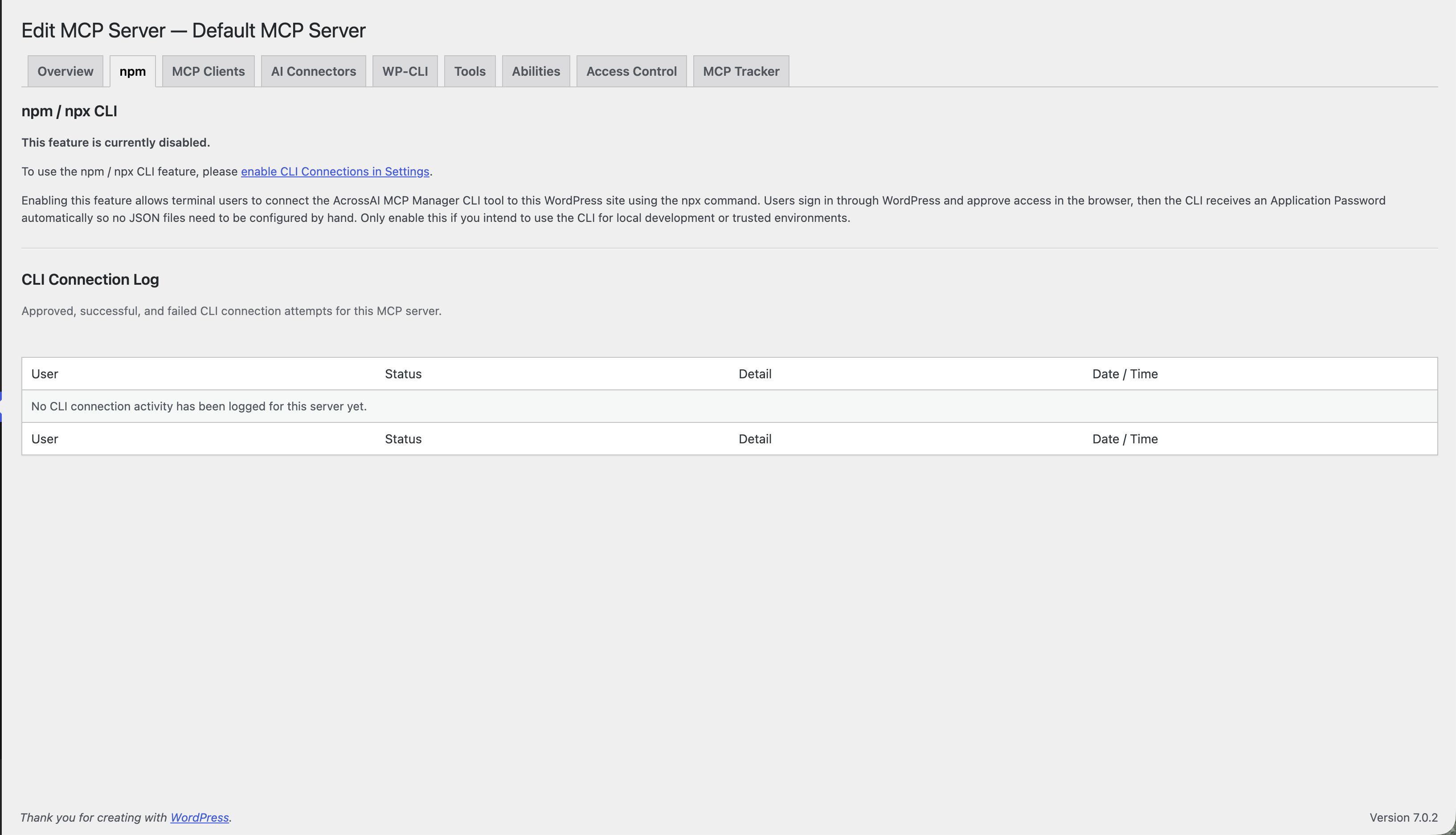
Connect locally by launching WP-CLI as a subprocess — no credentials over the network.
Access control
Decide which users may connect. Admins always have access; every request is checked.
Quick Connect
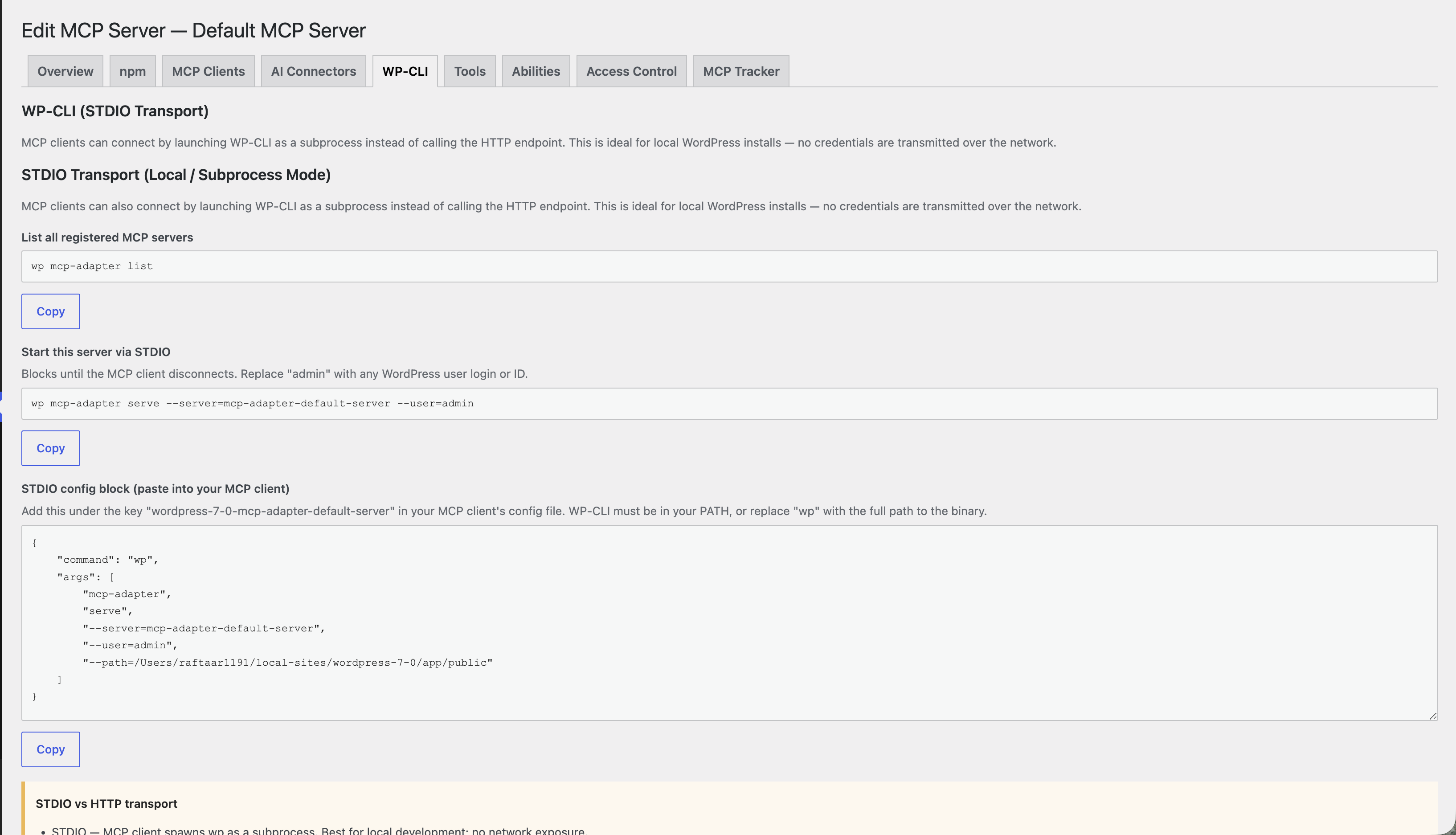
Install the plugin, pick your AI client, approve the connection — about a minute end to end. Walk through the real flow below; nothing you click changes any settings.
Copy the config, paste, connect
Generate a one-time Application Password and copy a ready-to-paste JSON block for your client. Under the hood it is the standard MCP Adapter endpoint at /wp-json/mcp/mcp-adapter-default-server, so anything that speaks MCP can connect.
Safe by default
Secure, on your own server
- Application Passwords. Auth uses native WordPress Application Passwords — one-time, revocable in a click.
- Per-request access control. Every MCP request is checked; disallowed users get access-denied even with a saved config.
- You choose the tools. Only the abilities you expose are callable by agents.
- Local STDIO mode. Launch WP-CLI as a subprocess — no credentials cross the network.
- Connection log & tracker. Approved, successful and failed attempts are recorded per server.
- Your data stays home. Everything runs inside your own WordPress install.
What’s inside AcrossAI Pro
One plugin. Five AI connectors.
MCP Manager is free. AcrossAI Pro turns your endpoint into a native remote connector for all five AI clients — paste one URL, approve the consent screen, and your WordPress is live with that AI. One purchase, five AIs, one dashboard.
Claude Connector
Add your MCP endpoint to Claude as a one-click remote connector — web, desktop, and Code — and manage every connection from your dashboard.
Explore the Claude connector →ChatGPT Connector
Connect ChatGPT to WordPress through a governed MCP URL — no JSON, no OAuth fields — with full visibility and one-click revoke.
Explore the ChatGPT connector →Grok Connector
Give Grok a native home in WordPress via one MCP endpoint — connect across surfaces and sever access site-wide whenever you need.
Explore the Grok connector →Gemini Connector
Point Gemini at your MCP endpoint and work with WordPress directly — governed access, full audit visibility, and revoke in one click.
Explore the Gemini connector →Cursor Connector
Connect Cursor to your MCP endpoint and work on WordPress from the editor: governed access, full audit visibility, and revoke in one click.
Explore the Cursor connector →Frequently asked questions
What is MCP Manager?
MCP Manager is a free WordPress plugin that gives you an admin interface for the WordPress MCP Adapter. The MCP Adapter is the official package that converts abilities registered through the Abilities API into Model Context Protocol tools, resources and prompts — on its own it is a developer library with no screens. MCP Manager adds the screens: create and route multiple MCP servers, choose which abilities are exposed, generate Application Passwords, copy a ready-made config for each AI client, and control who is allowed to connect.
Which clients can connect?
Claude Desktop, Claude Code, VS Code, GitHub Copilot, Codex, Cursor, and any custom MCP client — over HTTP, STDIO (WP-CLI), or the npm/npx CLI flow.
How does authentication work?
Connections use WordPress Application Passwords, generated per client and shown once. Access Control still applies to every request.
How does it relate to Abilities Manager?
Abilities Manager governs the abilities; MCP Manager exposes the approved ones to your AI clients. Use them together.
Is it really free?
Yes — MCP Manager is a free host plugin on WordPress.org and works standalone.
Give your AI a secure door into WordPress
Install the free plugin and connect your first client in about a minute.