
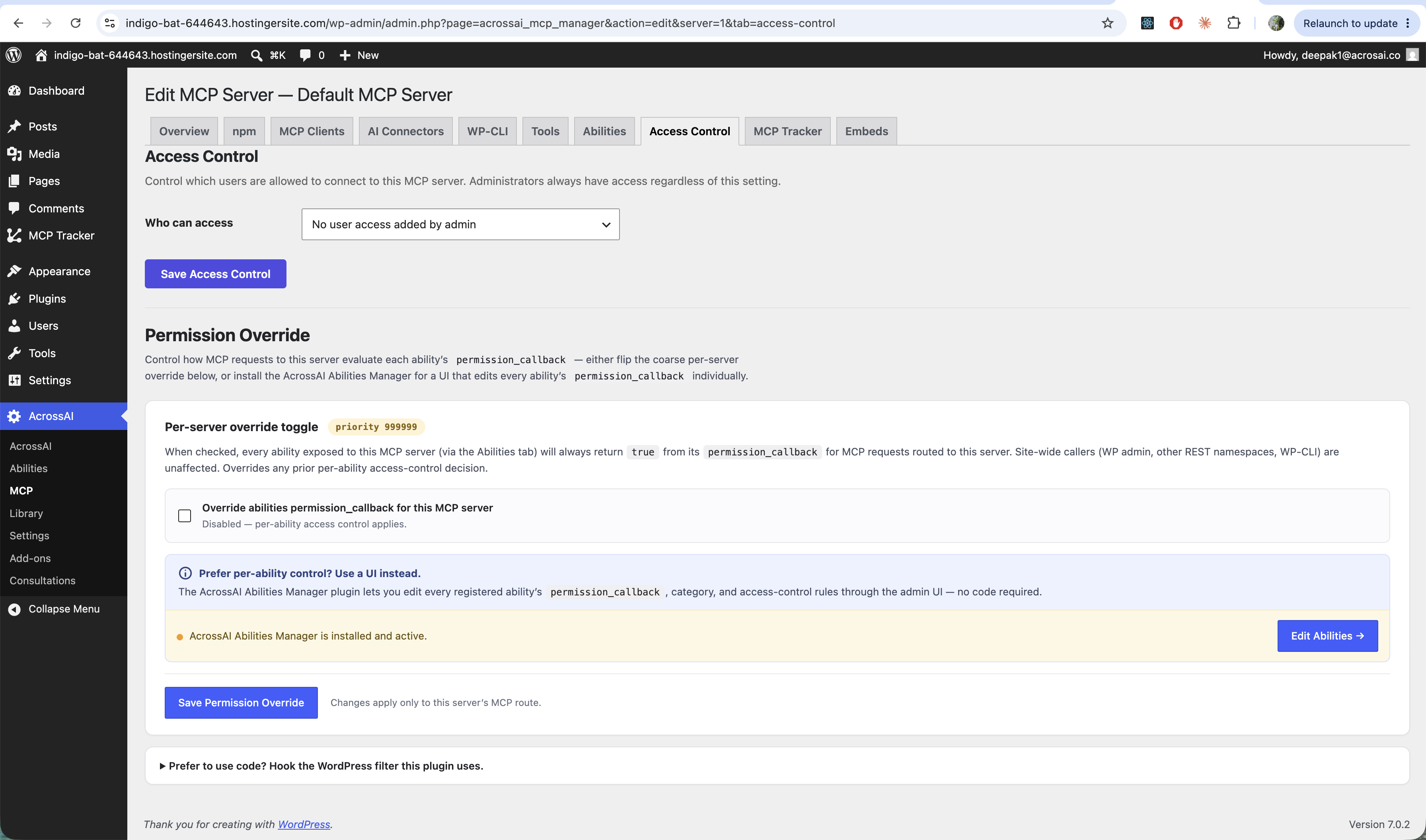
The Access Control tab decides who may connect to a server. Administrators always have access; everyone else is governed by what you set here.
📖 Want the full picture? For every Who can access option and exactly how access is decided, read the dedicated Access Control guide.
Who can access
Use the Who can access control to limit the server to specific users or roles, then click Save Access Control. This is enforced on every request — even a client with a valid password is refused if its user isn’t allowed.
Permission override
The Per-server override toggle is a coarse shortcut: when ticked, every ability exposed to this server is allowed for MCP requests routed to it, regardless of each ability’s own permission rule. Site-wide callers (wp-admin, other REST routes, WP-CLI) are unaffected.
Prefer fine-grained control? Install the free AcrossAI Abilities Manager plugin and use its Edit Abilities screen to set each ability’s permissions individually — no code required.