
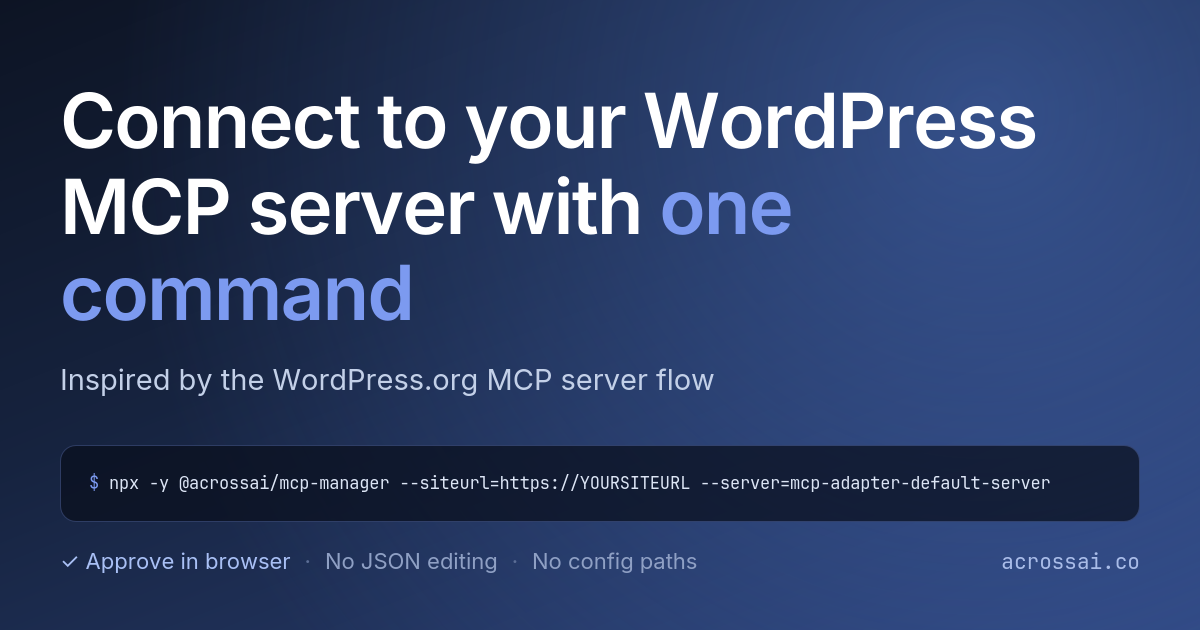
The WordPress.org MCP server introduced a really clean way for developers to connect using a single `npx` command and a browser approval flow. You can see how it works here:
→ Using the MCP server (WordPress.org)
We loved this approach so much that we brought the same experience to AcrossAI MCP Manager — but with one important difference:
You can now generate your own command that connects directly to your own WordPress servers.
How it works
- Open any MCP server in AcrossAI and go to the npm tab.
- Enable CLI Connections (if it’s not already on).
- Copy the ready-made
npxcommand. - Run it in your terminal.
- Approve the connection in your browser.
- The CLI automatically writes the configuration for you.
No manual JSON editing.
No searching for config file paths.
Just one command + browser approval.
Related Guides
- CLI connections (npm / npx) – Full documentation for this feature
- Connecting an AI client (MCP Clients tab) – Connect Claude, VS Code, Cursor & more
- Getting started: connect your first AI client – Quick 5-minute overview
- MCP servers: add, enable & disable – Manage multiple servers
- Install & activate the plugin – Get started in under a minute
Get the Plugin
Download the free plugin here:
→ AcrossAI MCP Manager on WordPress.org
Big thanks to obenland and the WordPress.org team for setting such a solid pattern. We simply adapted it so every WordPress site can offer the same developer-friendly experience.
Have you tried the CLI connection yet? Let us know in the comments.