
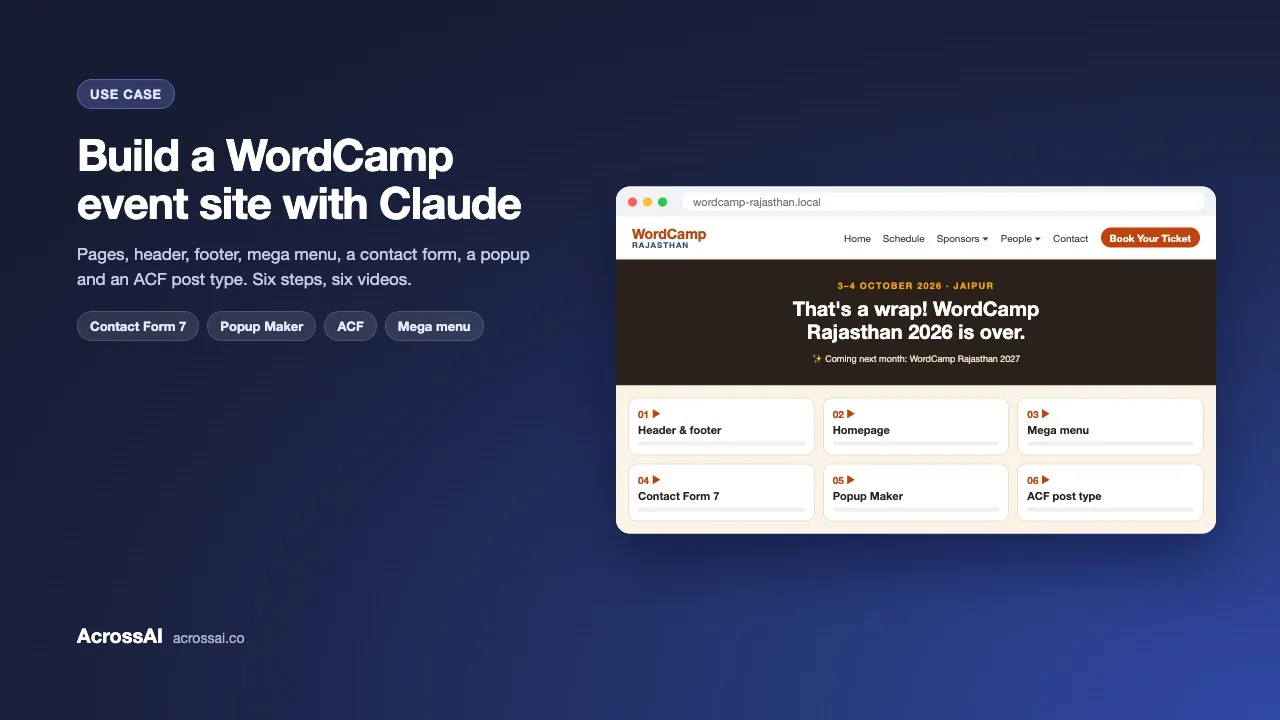
Can Claude build a complete WordPress event website? Yes. After WordCamp Rajasthan 2026, I rebuilt a WordCamp-style site from a blank install in plain English: pages, header and footer, a homepage, a mega menu, a contact form, a popup and an ACF custom post type. No wp-admin and no PHP.
The site started as a fresh Twenty Twenty-Five install on my laptop. Claude was connected to it over MCP (the Model Context Protocol) using the free MCP Manager plugin, so every request I typed went straight to the site. I recorded each step, so there are six short videos below, one per part of the build.
6
Build steps, one video each
10
Pages, including the homepage
17
Sponsor posts in an ACF post type
0
Lines of PHP written
Five free plugins behind the build
Every plugin used is free on WordPress.org. Two connect Claude to WordPress; three add the features an event site needs.
01
Connects Claude
AcrossAI MCP Manager
The WordPress MCP server. It connects Claude (or any MCP client) to the site as a real WordPress user.
02
Gives Claude abilities
AcrossAI Abilities Manager
Registers the operations Claude can perform, from template parts and menus to media, plugins and options. See every ability.
03
Forms
Contact Form 7
The contact form, built through the plugin’s own abilities. See the Contact Form 7 integration.
05
Custom content
Advanced Custom Fields
The Sponsors post type, tiers and fields. See the ACF integration.
Six steps, six videos
Here’s each request I typed (lightly tidied), what Claude did with it, and the recording.
Step 01
Header and footer
The prompt
Create a few pages and build a header and footer like rajasthan.wordcamp.org/2026, using the same logo in both.
Claude read the WordCamp Rajasthan 2026 site, uploaded the logo and created nine pages: About, Schedule, Speakers, Sponsors, Organizers, Volunteers, Contact, Tickets and Code of Conduct. It rebuilt the header with the logo, a menu with a People dropdown and a Book Your Ticket button, and the footer with Explore, Get involved and Connect columns, social icons and a copyright row.
Step 02
Homepage
The prompt
The event is over. Make a homepage that says WordCamp Rajasthan 2027 will be announced next month, and thank last year’s sponsors and organizers with their pictures.
Claude copied 17 sponsor logos and 16 organizer photos into the media library and built a homepage with a “That’s a wrap!” hero, a thank-you section, sponsor logos by tier, an organizer grid and a 2027 call to action. Both grids were saved as synced patterns, so the Sponsors and Organizers pages reuse them.
Step 03
Sponsors mega menu
The prompt
When someone hovers over Sponsors in the header, show the four tiers with each sponsor’s logo.
The popular mega menu plugins are built for classic themes, so Claude told me that and stayed with the core Navigation block. Each tier became a submenu item with its sponsors’ logos inline, and a little CSS turned the dropdown into a wide panel that falls back to a simple list on mobile.
Step 04
Contact page with Contact Form 7
The prompt
Update the Contact page with a proper form using Contact Form 7: name, email, phone number, subject and description, plus the social links.
Claude installed Contact Form 7, and its abilities appeared straight away. It built the form through the plugin’s own tools, set Reply-To on the notification email, ran Contact Form 7’s configuration validator and fixed what it flagged. The page has the form on one side and contact details, quick links and social icons on the other.
Step 05
Announcement popup with Popup Maker
The prompt
Show a popup to everyone who visits, on every reload, saying WordCamp Rajasthan 2027 will be announced soon.
Claude installed Popup Maker and configured an auto-open popup on every page with no cookie, so it returns on every reload, and it closes with the button, Esc or a click outside. It checked the popup in the browser on several pages and switched to a darker overlay when the first version looked washed out.
Step 06
Sponsors custom post type with ACF
The prompt
Create a Sponsors custom post type with four categories, Platinum, Silver, Chai Adda & Contributor Day Lunch and Bronze, and add a post for each company explaining what they do and thanking them. Use ACF.
Claude installed ACF and registered a Sponsors post type and a Sponsor Tiers taxonomy, both editable under ACF, plus a field group for Company Website and Sponsorship Year. It then created 17 sponsor posts with logos, write-ups based on each company’s WordCamp sponsor page and a thank-you note, and added a Single Sponsor template so each page shows the logo beside the tier.
The abilities doing the work
Layout
blocks/update-block-template-part
Write the header and footer as template parts stored in the database, where theme updates can’t overwrite them.
Navigation
blocks/update-navigation
Build the main menu, the People dropdown and the Sponsors panel with logos.
Media · Patterns
media/upload-media + blocks/create-reusable-block
Copy logos and photos into the media library, then save the sponsor and organizer grids as synced patterns.
Forms
contact-form-7/create-form + validate-form-config
Build the form with Contact Form 7’s own tools, then run its validator before calling it done.
Plugins
plugins/install-plugin
Install and activate Contact Form 7, Popup Maker and ACF from WordPress.org.
Custom fields
custom-fields/update-acf-fields
Write each sponsor’s website and year through ACF, so ACF can read its own data back.
The best part isn’t the speed
Building a whole event site in a chat is a nice headline. The real value is that Claude made the choices a careful developer would, so the site is easy to keep running.
01 · Plugins
Reached for plugins first
Contact Form 7, Popup Maker and ACF did the heavy lifting. Claude only wrote CSS where no plugin fit, and kept it in one place under Additional CSS.
02 · Theme
Never touched the theme
The header and footer were copied into the database before editing, and the theme’s own files were left alone, so theme updates can’t overwrite anything.
03 · Feedback
Fixed what I didn’t like
The first sponsor grid had uneven logos and orphans on their own lines. I sent a screenshot; Claude rebuilt it as even, tier-sized cards and checked it again.
04 · Honesty
Said what it couldn’t do
When no suitable mega menu plugin existed, it said so and explained the alternative. It also told me the contact form sends to the admin email for now, not the real event inbox.
05 · Checking
Looked at the result
After each change, Claude opened the site in the browser instead of trusting the success message, and caught the problem below.
The moment the menu came back empty
What I saw
The menu update reported success, but hovering over Sponsors showed nothing. There wasn’t even a dropdown arrow.
What Claude found
It read the navigation back and saw that saving had stripped the backslashes from the logo HTML inside each menu label, so WordPress couldn’t parse the four tier items and dropped them. It rewrote the labels with single-quoted attributes that need no escaping, saved again and confirmed in the browser that all four tiers and 17 logos appeared.
A tool that just reports success would have left the menu broken. This one checked the page, not the response.
Plugins with abilities are easier for AI
What this build showed
Contact Form 7 ships abilities through Abilities Manager, so Claude used purpose-built tools and the plugin’s own validator. Popup Maker does not have abilities yet, so Claude had to work with its saved settings directly, which takes more checking. If you build plugins, registering abilities is how you make them easy for AI to use well.
How to build your own event site with Claude
Step 01
Install the two free plugins
Add MCP Manager and Abilities Manager from WordPress.org, on a site running a block theme.
Step 02
Connect Claude
Run the Quick Connect wizard and paste the ready-made config into Claude. It also works with ChatGPT, Cursor, VS Code and other MCP clients.
Step 03
Point at a site you like
Share a reference site and ask for pages, a header and a footer in the same style.
Step 04
Add features with plugins
Ask for a contact form, a popup or a custom post type, and let Claude install the free plugin that fits.
Step 05
Verify each change
Ask Claude to read back what it changed, then check the front end on desktop and mobile.
Frequently asked questions
Can Claude build a full WordPress website?
Yes. Once Claude is connected to WordPress over MCP, it can create pages, write template parts, build menus, install plugins and set up custom post types. This event site was built that way, one request at a time.
Can Claude create a custom post type with ACF?
Yes. In this build Claude registered a Sponsors post type, a Sponsor Tiers taxonomy and a field group in ACF, then created 17 sponsor posts and filled in their fields through ACF itself.
Does Claude use plugins or write custom code?
It prefers established free plugins, like Contact Form 7, Popup Maker and ACF. It only added CSS where no plugin fit, and kept it in one place under Additional CSS.
Is it safe to let Claude manage a live WordPress site?
With MCP Manager, Claude connects as a real WordPress user through Application Passwords, so it can only do what that user is allowed to do. It uses named abilities rather than running arbitrary code, and you can revoke access at any time.
Which AI assistants work besides Claude?
MCP is an open standard, so the same setup works with ChatGPT, Cursor, VS Code with GitHub Copilot, Gemini CLI and other MCP clients.
How much does it cost?
All five plugins used in this build are free on WordPress.org. You only need an account with the AI assistant you chat with.
Build your own event site with Claude
Install the two free plugins, connect Claude, and start with your pages, header and footer. Everything in this build is free on WordPress.org.
Watch the build: Header and footer · Homepage · Sponsors mega menu · Contact page with Contact Form 7 · Announcement popup with Popup Maker · Sponsors custom post type with ACF · Learn more: building a site with blocks · every plugin integration