
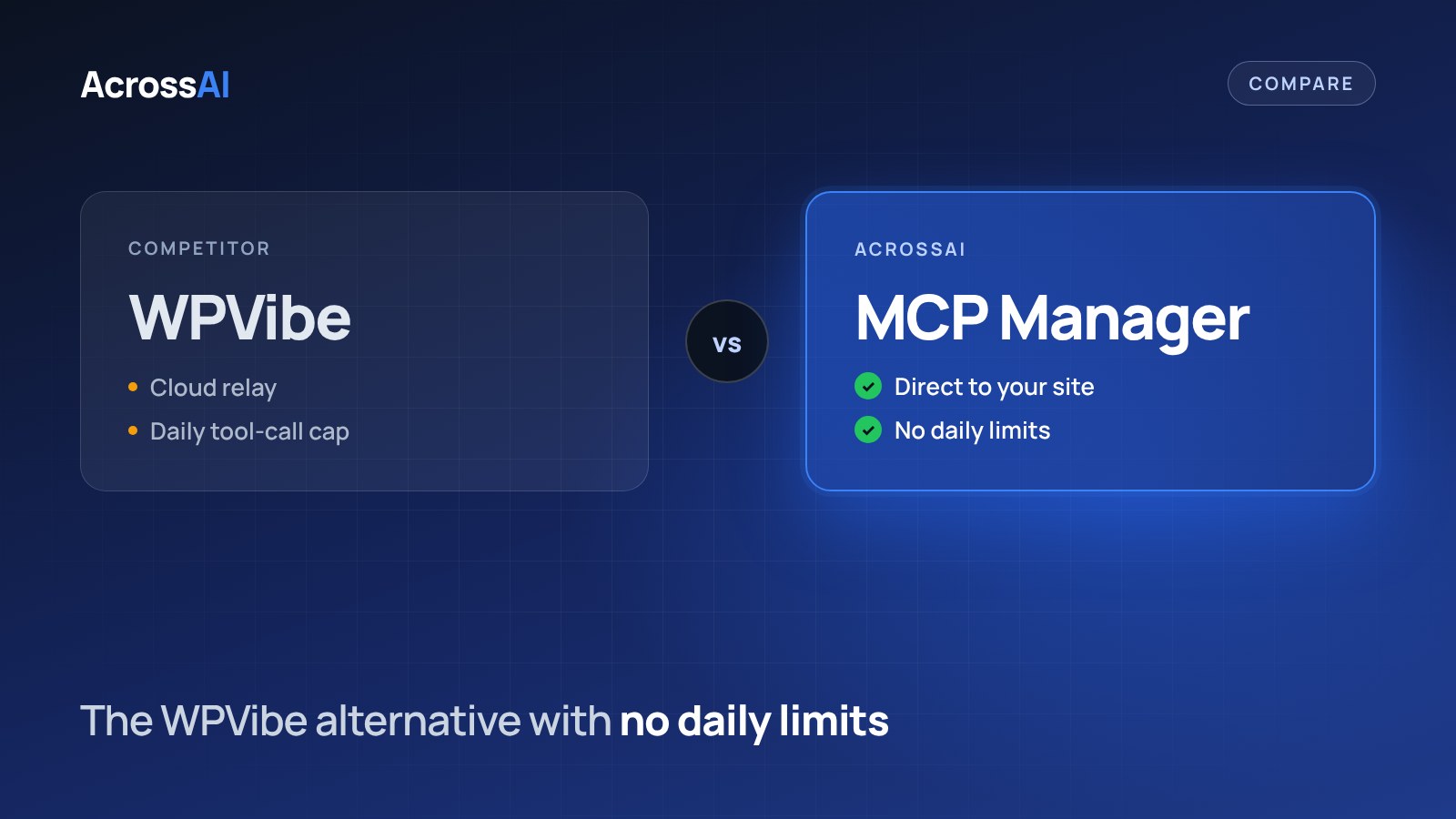
WPVibe is a popular way to connect AI to WordPress. It routes your AI traffic through its hosted service and limits how many tool calls you can make each day. If you want your AI to talk to your site directly, with no daily cap, AcrossAI MCP Manager is a free alternative on WordPress.org.
The short answer
Pick MCP Manager if you want AI requests to stay on your own server with no daily limit. Pick WPVibe if your usage fits its daily allowance and you prefer a hosted service.
0
Daily limits on MCP Manager
100
Tool calls a day on WPVibe’s free plan
0
Relays between your AI and your site
$0
MCP Manager on WordPress.org
Quick verdict
Which one should you pick?
Choose MCP Manager if you want
- AI requests to go straight to your own site
- No daily cap on tool calls
- A free plugin built on the official MCP Adapter
- Per-server tools and admin approval for new connections
Choose WPVibe if you want
- A hosted service with a large install base
- Light use that fits inside a daily allowance
- Its long list of ready-made plugin integrations
- Unlimited connected sites on every plan
Side by side
WPVibe vs MCP Manager at a glance
| MCP Manager | WPVibe | |
|---|---|---|
| Where AI requests go | Straight to your WordPress site | Through the hosted WPVibe MCP service |
| Daily limits | None | 100 to 10,000 tool calls a day, by plan |
| Price | Free. Pro from $49/year | Free plan. Paid plans $99–$899/year |
| How the AI acts | Typed, permissioned abilities with per-ability controls | WordPress REST API, theme file editing and allowlisted WP-CLI |
| Access control | Per-server tool lists, admin approval for new connections, membership-level gating (Pro) | Approval for commands |
| Built on | The official WordPress MCP Adapter | WPVibe’s own MCP service |
Privacy
Where your data goes
The biggest difference is the path a request takes. WPVibe puts its own cloud service between your AI and your site. MCP Manager runs inside your WordPress install, so nothing passes through AcrossAI’s servers.
WPVibe
Your AI
→
WPVibe cloud
→
Your site
A relay sits in the middle, and it counts every tool call against your daily allowance.
MCP Manager
Your AI
→
Your site
A direct connection. OAuth runs on your own domain and nothing is metered.
Pricing and limits
Daily limits compared
WPVibe sets a daily tool-call allowance on every plan. When you reach it, your AI has to wait until the next day or you upgrade. MCP Manager has no allowance to run out of, because it runs on your own server.
| Plan | Price | Tool calls per day |
|---|---|---|
| WPVibe Free | $0 | 100 |
| WPVibe Pro | $99/year | 500 |
| WPVibe Power | $299/year | 2,000 |
| WPVibe Agency | $599/year | 5,000 |
| WPVibe Scale | $899/year | 10,000 |
| AcrossAI MCP Manager | Free | No limit |
| AcrossAI Pro | From $49/year | No limit |
Setup
Connect your AI in about a minute
3
Connect
Approve on your own domain. Works with Claude, ChatGPT, Grok, Gemini and Cursor.
Prefer to wire clients by hand? The setup guide covers Claude Code, Cursor, VS Code and more.
To be fair
When WPVibe is the better choice
WPVibe is well established, with 90,000+ active installs on WordPress.org and a long list of plugin integrations. If you only make a few dozen AI requests a day, its free plan may be all you need. Pick the tool that fits how you work.
FAQ
Frequently asked questions
Is MCP Manager really free?
Yes. MCP Manager is free on WordPress.org. AcrossAI Pro is an optional upgrade that adds membership-aware access control, 276 business-plugin abilities and n8n.
Why is there no daily limit?
Hosted services pay for every request that passes through their servers, so they meter usage. MCP Manager runs inside your WordPress install, so there is no per-request cost for us to pass on and nothing to meter.
Which AI clients can I connect?
Claude, ChatGPT, Grok, Gemini and Cursor through one-click connectors, plus Claude Code, VS Code, GitHub Copilot and other MCP clients through a config file.
Can I move from WPVibe to MCP Manager?
Yes. Install MCP Manager, connect your AI client through Quick Setup, then remove the WPVibe server from your AI client. Both are WordPress plugins, so you can test MCP Manager alongside WPVibe before switching.
Try MCP Manager free
Connect your AI straight to your own site, with no relay and no daily limit.
Free on WordPress.org · No relay · No daily limits
Keep reading
- AcrossAI vs WPVibe vs Novamira vs Easy MCP AI: the full four-way comparison
- Novamira vs MCP Manager
- Easy MCP AI vs MCP Manager
- MCP Adapter vs MCP Manager