
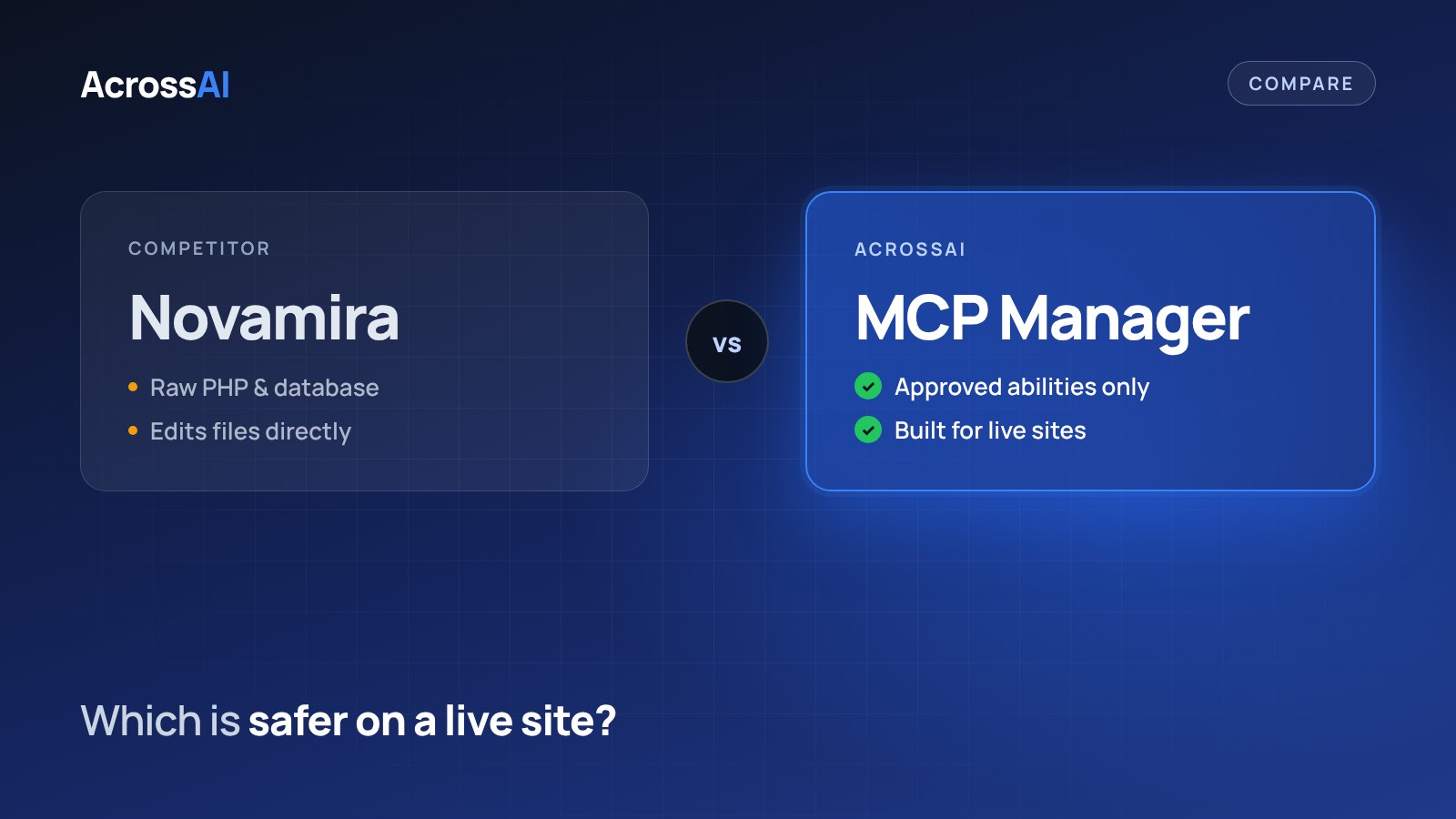
Novamira and AcrossAI MCP Manager both connect your AI straight to your WordPress site, with no relay and no usage quota. Where they differ is how much the AI is allowed to do once it is connected, and that decides which one belongs on a live site.
The short answer
Pick MCP Manager for a production site where the AI should only use abilities you approve. Pick Novamira for dev and staging sites where you want the agent to run PHP, query the database and edit files.
0
Usage quotas on either plugin
$0
MCP Manager on WordPress.org
$49
AcrossAI Pro per year, from
€69
Novamira Pro per year, from
Quick verdict
Which one should you pick?
Choose MCP Manager if you want
- The AI limited to abilities you switch on
- A plugin you install and update from WordPress.org
- One-click connectors for Claude, ChatGPT, Grok, Gemini and Cursor
- Access gated by membership level (Pro)
Choose Novamira if you want
- An agent that can run PHP and query the database
- Direct file editing for building and debugging
- An open-source plugin installed from GitHub
- A lifetime Pro licence option
Side by side
Novamira vs MCP Manager at a glance
| MCP Manager | Novamira | |
|---|---|---|
| Where AI requests go | Straight to your WordPress site | Straight to your WordPress site |
| What the AI can do | Typed, permissioned abilities you switch on per server | Run PHP, query the database, edit files and run WP-CLI |
| Usage limits | None | None (“no credits, no action quotas”) |
| Price | Free. Pro from $49/year | Open-source core free. Pro from €69/year, or €299 lifetime |
| Where you get it | WordPress.org plugin directory | GitHub |
| Connecting claude.ai and ChatGPT | One-click connectors, OAuth on your own domain | OAuth apps and Application Passwords, device-code sign-in for CLI tools |
| Access control | Per-server tool lists, admin approval for new connections, membership-level gating (Pro) | Manage Connections page for OAuth apps and Application Passwords |
Safety
What the AI can reach
Both plugins skip the cloud relay, so the real question is how much of your site the agent can touch once it connects.
Novamira
Your AI
→
PHP, database, files
The agent can execute code and change files. Powerful on a staging copy, but one wrong step on a live site has no guardrail in between.
MCP Manager
Your AI
→
Approved abilities
→
Your site
The agent only sees the abilities you expose on that server, and each one runs its own permission check.
Pricing
Pro plans compared
Both have a free core and neither meters usage. The paid plans differ in what they add: Novamira Pro adds built-in knowledge of popular builders and plugins, and AcrossAI Pro adds membership gating and business-plugin abilities.
| Plan | Price | Sites |
|---|---|---|
| Novamira Personal | €69/year | 3 |
| Novamira Agency | €149/year | 1,000 |
| Novamira Agency Lifetime | €299 once | 1,000 |
| AcrossAI MCP Manager | Free | Unlimited |
| AcrossAI Pro | From $49/year | 1 to 50 |
Setup
Connect your AI in about a minute
3
Connect
Approve on your own domain. Works with Claude, ChatGPT, Grok, Gemini and Cursor.
Prefer to wire clients by hand? The setup guide covers Claude Code, Cursor, VS Code and more.
To be fair
When Novamira is the better choice
If you are a developer building or debugging a site on a staging copy, Novamira’s direct PHP, database and file access lets an agent do things a set of typed abilities cannot. It is open source, ships often, and offers a lifetime licence for agencies. Use the tool that matches the risk of the site you are working on.
FAQ
Frequently asked questions
Is Novamira on WordPress.org?
No. Novamira is distributed through GitHub and its own site. MCP Manager is listed on WordPress.org, so it installs and updates like any other plugin from the directory.
Does either plugin limit how many requests I can make?
No. Both run on your own server and neither meters tool calls. Heavy automation still runs on your hosting, so pace it to what your server can handle.
Can MCP Manager run PHP like Novamira?
Not by design. MCP Manager exposes abilities registered through the WordPress Abilities API, and you choose which ones each server offers. That keeps a live site predictable, at the cost of the open-ended control Novamira gives developers.
Can I use both?
Yes. One option is Novamira on a staging copy for development work and MCP Manager on the production site for day-to-day content and admin tasks.
Try MCP Manager free
Give your AI the abilities it needs on your live site, and nothing more.
Free on WordPress.org · Permissioned abilities · No usage limits
Keep reading
- AcrossAI vs WPVibe vs Novamira vs Easy MCP AI: the full four-way comparison
- WPVibe vs MCP Manager
- Easy MCP AI vs MCP Manager
- MCP Adapter vs MCP Manager