
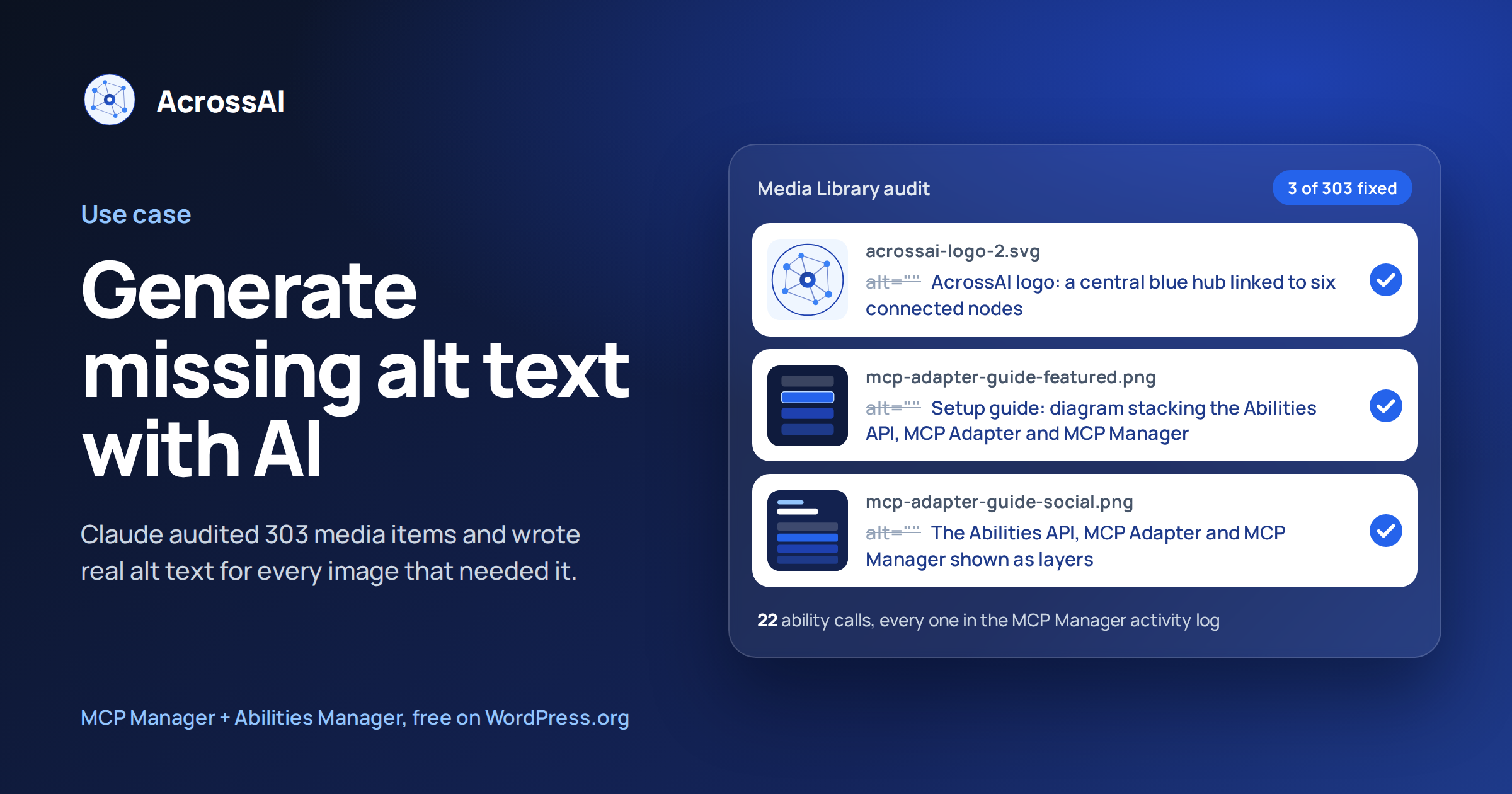
Can AI find and fix missing alt text in WordPress? Yes. I asked Claude to list every image on acrossai.co without alt text. It checked all 303 media items, wrote alt text for the 3 images that needed it, saved it and verified it. I never opened the Media Library.
Claude was connected to the site over MCP (the Model Context Protocol) using the free MCP Manager and Abilities Manager plugins. Every ability it called was recorded in MCP Manager’s activity log, which is where the table further down this page comes from. Watch the full demo on YouTube.
303
Media items audited
3
Images given alt text
22
Ability calls, all logged
0
Media Library screens opened
What I asked Claude to do
Two plain-English messages: “list all the media that doesn’t have alt text”, then “read those images and generate the alt text”. Claude split the work into four stages.
01 · Audit
Find what’s missing
One read-only query checked all 303 media items against their alt text. It found 8 without any: 3 images and 5 videos. Claude also flagged two duplicate uploads it spotted along the way.
02 · Read
Look at each image
The logo is an SVG, so Claude read its markup directly. For the two PNGs it wrote a temporary, self-deleting script that made small previews, and matched them against the layout the images were designed from.
03 · Write
Save descriptive alt text
Claude wrote alt text that says what each image actually shows, not just its file name, and saved it to all three images. For example: “WordPress MCP Adapter setup guide: diagram stacking the Abilities API, MCP Adapter and MCP Manager to connect a WordPress site to Claude, ChatGPT and Cursor.”
04 · Verify
Check and clean up
Claude read the saved values back from the database, deleted the temporary preview data, confirmed the script had removed itself, and flushed the object cache. Nothing was left behind.
Media Library vs. one message
The usual way
Open every item in the Media Library to see which ones have an empty Alt Text field.
WordPress has no “missing alt text” filter, so on a library of 300 items you either click through them all or install an audit plugin, then type each description by hand.
With AcrossAI + Claude
Ask once. Claude audits the whole library and writes alt text from what each image shows.
You review the list, approve, and Claude saves it, checks it, and tells you exactly what changed.
How it works under the hood
WordPress stores an image’s alt text as a single piece of post meta on the attachment. Nothing here needed an alt-text plugin: Claude found the empty values, wrote new ones, and saved them through named AcrossAI abilities, listed in full below.
01
Connects and logs
AcrossAI MCP Manager
The WordPress MCP server. Claude acts as a real WordPress user, and the activity log records every ability it calls, with inputs, status and timing.
02
Gives Claude abilities
AcrossAI Abilities Manager
Registers the media, database, file and cache abilities Claude used here, plus hundreds more. See every ability.
The abilities Claude used
Seven AcrossAI abilities, 22 calls in total, taken straight from MCP Manager’s activity log:
| Ability | Calls | What it did |
|---|---|---|
database/run-db-select-query | 10 | Found every attachment with empty alt text, read the image file paths, checked the previews, and read the saved alt text back to verify it. |
file-manager/read-file | 1 | Read the SVG logo’s markup so Claude could describe it. |
file-manager/create-file | 2 | Added a temporary script that made small previews of the PNGs and then deleted itself. |
media/update-media | 3 | Saved the new alt text on each of the three images. |
database/delete-db-rows | 4 | Removed the temporary preview data once it was no longer needed. |
file-manager/file-info | 1 | Confirmed the temporary script was gone. |
cache/flush-object-cache | 1 | Cleared the object cache so the new alt text shows everywhere. |
Claude also ran discover and info calls on the toolsets to find these abilities and read their input schemas. Those calls are read-only and changed nothing on the site.
Every call is on the record
MCP Manager’s activity log stores each ability call with its input, result, status and duration. That is how this page can list exactly what Claude did, and it is how you can check any AI session on your own site after the fact.
Tip: skip the videos
The audit also listed five videos with no alt text. Claude left them alone: browsers ignore alt text on video. Videos are made accessible with captions and transcripts instead.
Who this is for
Site owners
Better image SEO
Alt text helps search engines understand your images. Close the gaps without a new plugin.
Agencies
Client site audits
Run the same audit on every client site and hand over a log of exactly what changed.
Accessibility
Screen reader friendly
Give screen reader users a real description of every image, not a file name.
Try it on your own site
Install the two free plugins, connect Claude, and ask it which of your images are missing alt text.
Why this matters beyond alt text: read the founder’s take on LinkedIn, I Gave Claude My WordPress Site’s Media Library. The Most Useful Thing It Did Was Skip Five Files.
Frequently asked questions
Can AI write alt text for WordPress images?
Yes. Once Claude is connected to WordPress over MCP, it can find images with empty alt text, look at what each one shows, and save a description to the image’s Alt Text field.
How do I find WordPress images without alt text?
The Media Library has no filter for it. Ask Claude to list every attachment with no alt text; it checks the whole library in one read-only query and gives you the list before changing anything.
Do I need an alt text plugin?
No. Alt text is built into WordPress. Claude writes it with the media abilities that Abilities Manager registers, so there is nothing extra to install.
Can I see exactly what Claude changed?
Yes. MCP Manager’s activity log records every ability call with its input, status and duration. The ability table on this page was built from that log.
How much does it cost?
Both plugins used here are free on WordPress.org. You only need an AI assistant that supports MCP, such as Claude.
Manage WordPress by chatting with AI
Install the two free plugins, connect Claude, and let it handle the jobs you keep putting off, with every step on the record. Set up AcrossAI on your own site in minutes.