
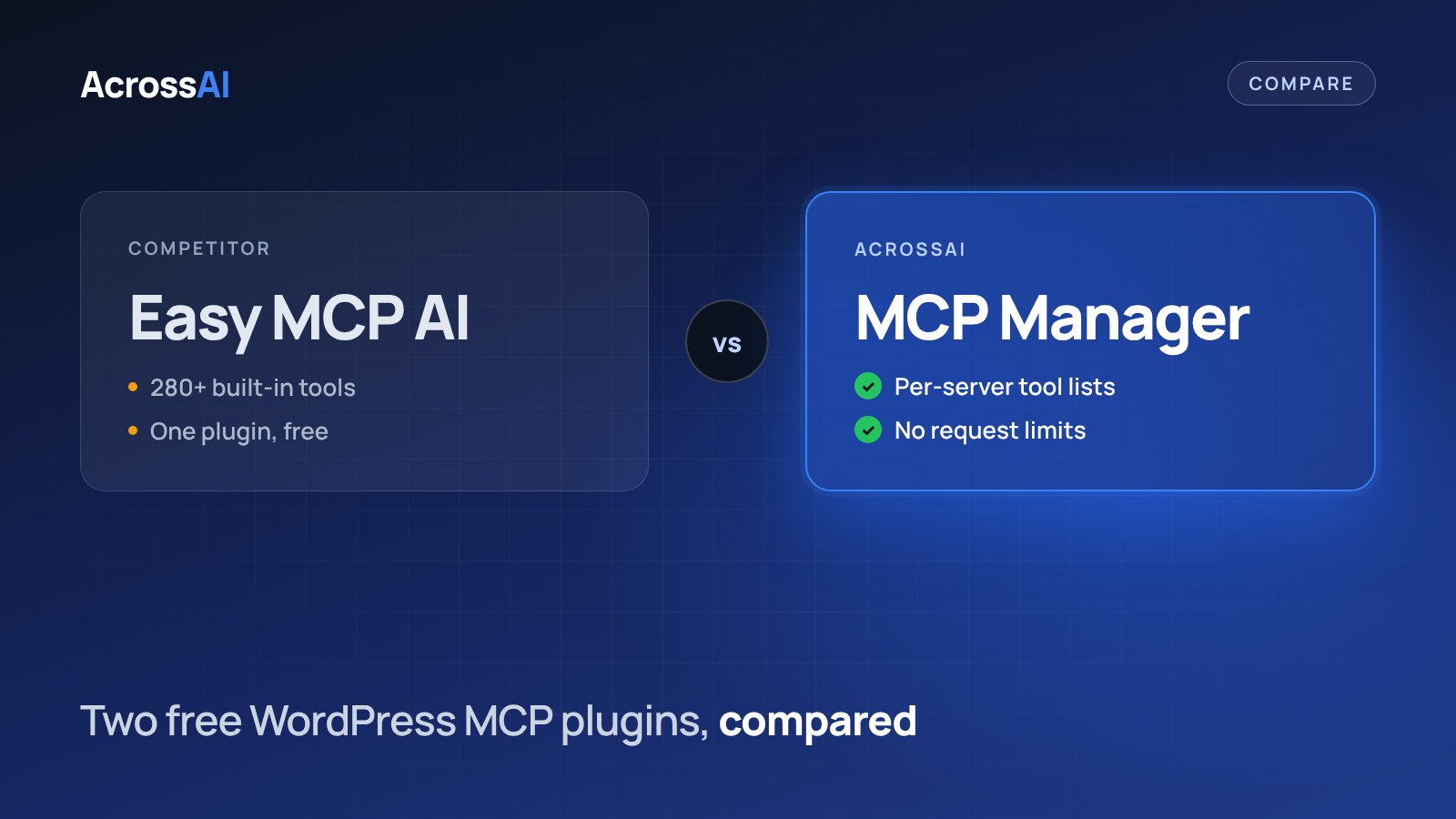
Easy MCP AI and AcrossAI MCP Manager are both free on WordPress.org, and both connect your AI straight to your own site with no cloud relay. The difference is approach: Easy MCP AI ships one large tool set, while MCP Manager lets you decide exactly which abilities each AI connection can see.
The short answer
Pick Easy MCP AI if you want the most ready-made tools in one free plugin. Pick MCP Manager if you want separate servers with their own tool lists, admin approval for new connections and access by membership level.
$0
Both on WordPress.org
0
Cloud relays on either
280+
Built-in tools in Easy MCP AI
276
Business-plugin abilities in AcrossAI Pro
Quick verdict
Which one should you pick?
Choose MCP Manager if you want
- Several MCP servers, each with its own tool list
- Admin approval before a new connection completes
- Tools gated by membership level (Pro)
- Abilities for MailerPress, LearnDash, BuddyBoss and GeoDirectory (Pro)
Choose Easy MCP AI if you want
- 280+ tools in one free plugin
- Layout tools for Elementor, WPBakery and Flatsome
- Built-in tools for Rank Math, Yoast and Site Kit
- A plugin with a large install base
Side by side
Easy MCP AI vs MCP Manager at a glance
| MCP Manager | Easy MCP AI | |
|---|---|---|
| Where AI requests go | Straight to your WordPress site | Straight to your WordPress site |
| Price | Free. Pro from $49/year | Free |
| Request limits | None | No vendor quota. A rate limit you set (60 requests a minute per token by default) |
| Tools | Abilities registered on your site, plus 276 business-plugin abilities (Pro) | 280+ built-in tools |
| Access control | Several MCP servers with their own tool lists, admin approval for new connections, membership-level gating (Pro) | OAuth permissions with step-up authorization |
| Built on | The official WordPress MCP Adapter | Not stated on its listing |
Control
What each AI connection can see
Neither plugin uses a relay, so the difference is how tools are grouped and handed to each AI client.
Easy MCP AI
Your AI
→
OAuth permissions
→
280+ tools
The AI gets tools based on the OAuth permissions it is granted, and can ask for more mid-task.
MCP Manager
Your AI
→
Its own server
→
Tools you chose
A read-only server for a client and a full one for you is a normal setup, not a workaround.
Built-in tools
What comes ready to use
Easy MCP AI bundles tools for popular page builders and SEO plugins. MCP Manager exposes whatever abilities are registered on your site, and AcrossAI Pro adds deep packs for membership, course and community plugins.
| Area | MCP Manager | Easy MCP AI |
|---|---|---|
| Page builders | Abilities other plugins register | Layout tools for Elementor, WPBakery and Flatsome |
| SEO and analytics | Abilities other plugins register | Tools for Rank Math, Yoast and Site Kit |
| Forms | Abilities other plugins register | Tools for Contact Form 7 |
| Email marketing, courses, communities, directories | 276 abilities for MailerPress, LearnDash, BuddyBoss and GeoDirectory (Pro) | Not listed |
| Membership-level access | Gate tools by 10 membership providers (Pro) | Not listed |
Setup
Connect your AI in about a minute
3
Connect
Approve on your own domain. Works with Claude, ChatGPT, Grok, Gemini and Cursor.
Prefer to wire clients by hand? The setup guide covers Claude Code, Cursor, VS Code and more.
To be fair
When Easy MCP AI is the better choice
If your site runs on Elementor, WPBakery or Flatsome, or you want your AI working in Rank Math, Yoast or Site Kit straight away, Easy MCP AI covers more of that out of the box, for free, with 30,000+ active installs behind it. Pick the tool that matches the plugins your site depends on.
FAQ
Frequently asked questions
Are both plugins free?
Yes. Both are free on WordPress.org. AcrossAI also offers Pro, an optional upgrade that adds membership-aware access control, 276 business-plugin abilities and n8n.
Does either plugin limit requests?
Neither has a vendor quota. Easy MCP AI applies a rate limit you control, 60 requests a minute per token by default. MCP Manager has no request limit, so pace heavy automation to what your hosting can handle.
Can MCP Manager edit Elementor pages?
MCP Manager exposes abilities registered through the WordPress Abilities API, so page builder support depends on abilities that the builder or another plugin registers. Easy MCP AI ships Elementor layout tools of its own.
Why run more than one MCP server?
Different AI connections need different access. With MCP Manager you can give a client a read-only server and keep a full one for yourself, each with its own tool list and its own access rules.
Try MCP Manager free
Decide exactly what each AI connection can see on your site.
Free on WordPress.org · Per-server tools · No request limits
Keep reading
- AcrossAI vs WPVibe vs Novamira vs Easy MCP AI: the full four-way comparison
- WPVibe vs MCP Manager
- Novamira vs MCP Manager
- MCP Adapter vs MCP Manager