
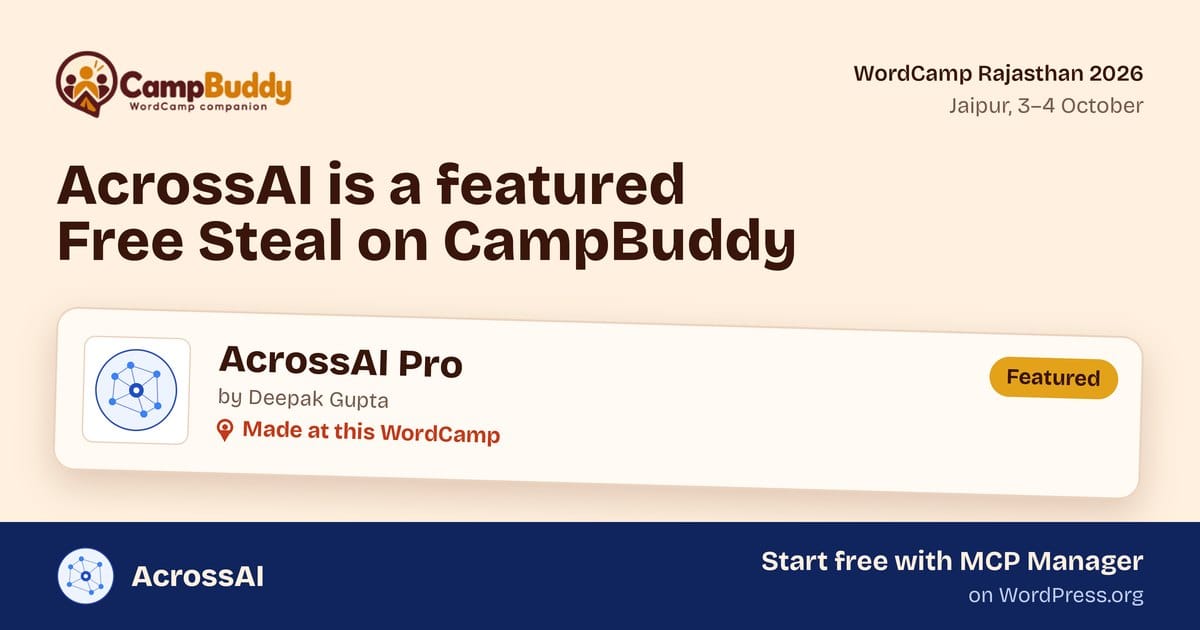
AcrossAI is a Featured pick in the Free Steals section of CampBuddy for WordCamp Rajasthan 2026, and it carries the “Made at this WordCamp” tag. That second part means the most to us.
WordCamp Rajasthan runs 3–4 October 2026 at the Rajasthan International Centre in Jaipur. Seeing our work listed next to tools from Automattic, rtCamp, Multidots and ThemeIsle, and next to builders from our own community, is a proud moment for a small team building WordPress-first AI tooling.
Thank you to the CampBuddy team for the pick. Here is what CampBuddy is, why Free Steals matter, and where to start with AcrossAI: our free MCP Manager plugin.
What is CampBuddy?
CampBuddy is a WordCamp companion app that lives in your pocket for the whole event. It runs in the browser and installs to your home screen like a native app, so there is nothing to download from a store.
It is organised around six tabs:
- Home and My Day — the schedule, plus your own saved sessions with reminders so you don’t miss the talks you care about.
- Quest — small challenges that get you moving around the venue and meeting people.
- Contribute — a way into Contributor Day and giving back to WordPress.
- Explore — people, sponsors, deals, Free Steals and venue info in one place.
- Camp Card — a digital card you swap with people you meet, instead of paper business cards.
The feature I like most is attendee discovery. You pick a few interests and see who at the event shares them. You can stay anonymous, and names are only revealed when two people “wave” at each other. Your data stays on your device, and you can export or clear it any time. That is a thoughtful, privacy-first design for a community event.
What are Free Steals?
Free Steals are good WordPress plugins and tools that are already free, hand-picked by the CampBuddy team. They sit next to Deals, which help you save on paid products. The picks come from big companies and from people in the community, and anyone can suggest a tool for the team to review.
AcrossAI is one of the featured picks, listed under AI / Developer Tools, alongside:
- The Off Switch by Abhishek Deshpande — also made at this WordCamp
- WordPress Skills by Gaurav Tiwari / Gatilab
- Visual Blueprint Builder by Lubus
- Multidots Passkey Login by Multidots
The listing sums up AcrossAI in one line: securely connect Claude, Cursor or any AI assistant to WordPress, built on WordPress Core AI’s MCP Adapter. That is exactly what we set out to build. The “Made at this WordCamp” tag matters because AcrossAI is built here, in the Indian WordPress community, and we’ll be in the room in Jaipur.
Start here: MCP Manager, free on WordPress.org
If you want to try AcrossAI, start with MCP Manager. It is free, and it is the fastest way to connect your WordPress site to an AI assistant.
WordPress Core now ships the building blocks for AI: the Abilities API and the official MCP Adapter. They are powerful, but they are developer tools. MCP Manager wraps the MCP Adapter in a proper admin UI, so a site owner can set things up without writing code.
What you get:
- Quick Setup — a guided flow that gets you connected in a few steps, instead of hunting through settings. We built it after about ten customer calls showed us where people got stuck.
- Works with the clients you already use — Claude, VS Code, GitHub Copilot, Codex and more, using WordPress application passwords.
- Multiple servers and per-client configs — give each AI client exactly the setup it needs.
- HTTP, STDIO and CLI transports — including a browser-approved CLI connect flow, plus experimental OAuth 2.1 support.
- Per-request access control — you decide what an AI agent is allowed to do on your site. It never gets more than you allow.
That last point is the heart of it. An AI agent on your site should be treated like a new team member: useful, but working within clear permissions.
When you need more, Abilities Manager adds a large library of ready-made abilities for content, media, users, plugins and more. AcrossAI Pro adds one-click connectors for Claude, ChatGPT, Grok, Gemini and Cursor, all self-hosted with no third-party relay.
Meet us at WordCamp Rajasthan
I’m running a 90-minute hands-on workshop at WordCamp Rajasthan with Hardik Sharma, called “The Intern Who Never Sleeps”. It is deliberately non-technical. We’ll talk about what AI agents should and shouldn’t be allowed to do on a WordPress site, and why permissions matter more than prompts.
If you’re at the event, come find me. I’m happy to set up MCP Manager on your own site, answer questions, or just talk about where WordPress and AI are heading. Add me through CampBuddy’s attendee discovery, or swap Camp Cards in the hallway.
Try it today
Install MCP Manager from WordPress.org, run Quick Setup, and connect your site to your AI assistant in a few minutes. You’ll find the rest of the AcrossAI suite at acrossai.co.
Thank you again to the CampBuddy team for the feature, and to the WordCamp Rajasthan organisers and volunteers for making this event happen. See you in Jaipur.