
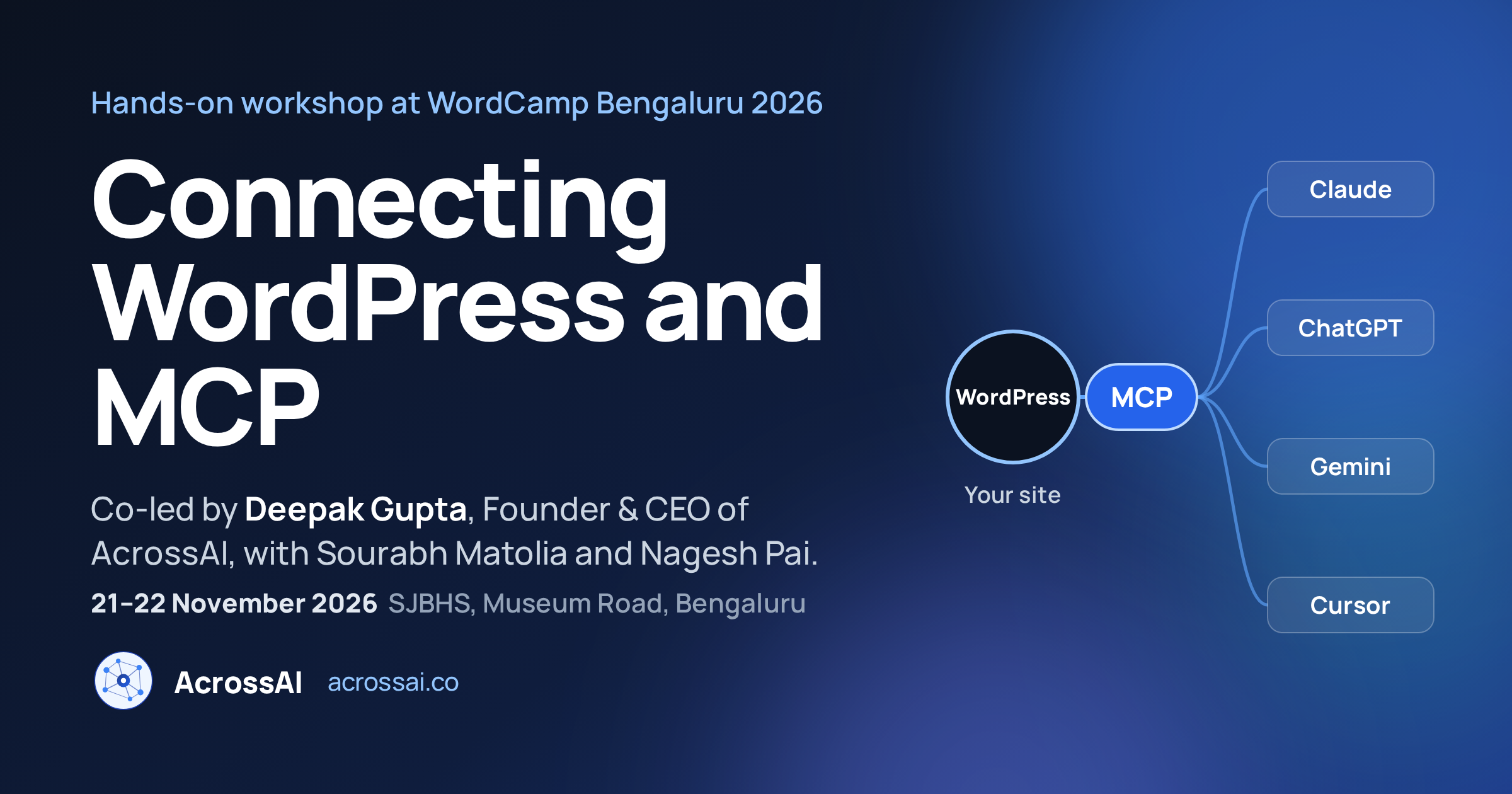
Our Founder & CEO, Deepak Gupta, is heading to WordCamp Bengaluru 2026 to co-lead a hands-on workshop, Connecting WordPress and MCP. This year’s WordCamp is built around where WordPress meets AI, and this session is the practical end of that theme: you bring a laptop, and you leave with a WordPress site that Claude, ChatGPT or any MCP client can actually work with, safely.
At a glance
- Session: Connecting WordPress and MCP, a 60-minute hands-on workshop.
- Hosts: Deepak Gupta (AcrossAI), Sourabh Matolia (Make Me Local) and Nagesh Pai.
- Event: WordCamp Bengaluru 2026, 21–22 November, St. Joseph’s Boys’ High School (SJBHS), Museum Road.
- You’ll learn: the Abilities API, the WordPress MCP Adapter, connecting a real AI client, and setting what AI is allowed to touch.
- Bring: a charged laptop. You leave with something working, not just notes.
On the WCBLR site
A Hands-On WordPress MCP Workshop at WordCamp Bengaluru 2026
Deepak’s original proposal, From Zero to an AI-Connected WordPress Site, was merged with related submissions into one joint workshop. That’s a good outcome for attendees: three people who work on the same problem from different angles, in one room, for one hour. You get the full picture instead of one person’s opinion.
The session is built for anyone who runs WordPress for real work: agencies managing client sites, WooCommerce store owners, membership and LMS builders, and plugin developers. No prior AI setup is needed. The time and room will appear on the official WCBLR schedule.
What You’ll Build in 60 Minutes
1. Understand the Abilities API
The Abilities API, now in WordPress core, lets core and plugins describe what they can do in a way machines can read. It’s the foundation every AI integration on WordPress builds on.
2. Expose your site over MCP
MCP (Model Context Protocol) is the open standard AI clients use to discover and call those abilities. The WordPress MCP Adapter turns your site into an MCP server.
3. Connect Claude or ChatGPT to WordPress
Plug a real AI client into your site and ask it, in plain English, to do real work: draft a post, update a setting, check which plugins are installed. Then watch it happen in wp-admin.
4. Decide what AI is allowed to touch
Switch an ability off and watch the AI refuse. Choosing, on purpose, what an agent can do and where customer or member data can go is the real skill this workshop teaches.
💻 Bring a charged laptop. This is a build-along session. A local WordPress install or a test site you’re happy to experiment on is ideal, and a free Claude or ChatGPT account is all you need on the AI side.
Meet the Workshop Hosts
👋 Deepak Gupta
Founder & CEO, AcrossAI. Senior WordPress engineer behind MCP Manager and Abilities Manager, contributor to the WordPress MCP Adapter and the Core AI team.
👋 Sourabh Matolia
Technical Delivery Manager, Make Me Local. A WordPress professional with 12+ years across development, architecture and product leadership.
👋 Nagesh Pai
Independent WordPress and WooCommerce developer. Previously at Automattic, first as a WordPress.com support engineer and then as a WooCommerce developer. WordPress core contributor and plugin author.
Why WordPress and AI, and Why Bengaluru
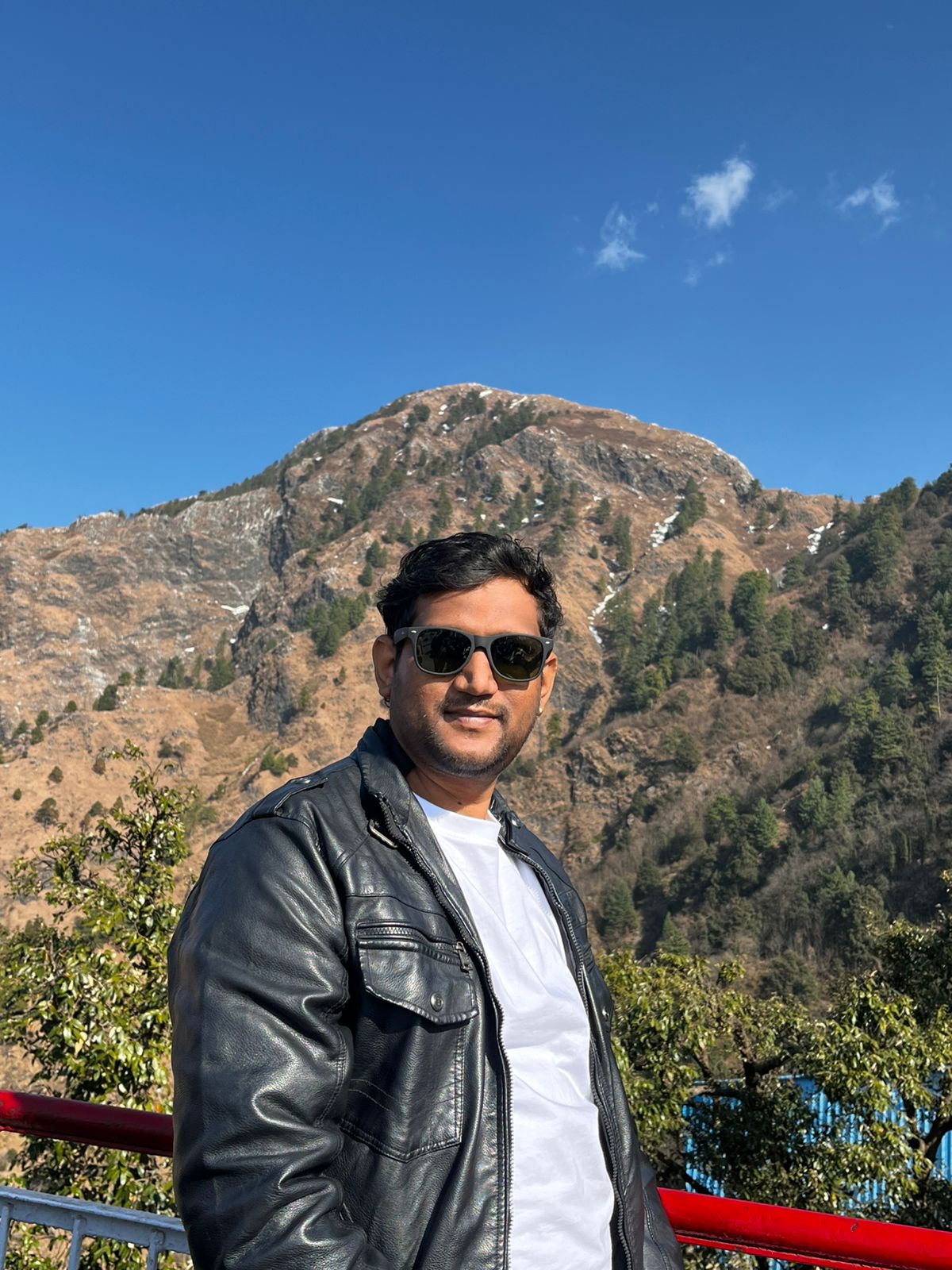
Deepak builds AcrossAI, self-hosted MCP tooling that turns a WordPress site into an MCP server AI assistants connect to directly, with no third-party relay in the middle. Before that he spent years as a senior engineer on high-traffic sites handling live payments, like GiveWP.com and BuddyBoss.com, and built custom extensions for GiveWP, BuddyBoss and LearnDash.
Bengaluru is home to a huge share of India’s agencies, product teams and SaaS companies, and many of them already run WordPress for client sites, communities and courses. The technology to let AI operate those sites exists today. What most teams haven’t done yet is decide what an AI agent should be allowed to do. That’s the conversation this workshop starts.
“Switching an ability off and watching the AI refuse is the most important minute of the session.”
— Deepak Gupta, Founder & CEO, AcrossAI
WordCamp Bengaluru 2026: The Weekend
WCBLR is back for its fourth year: volunteer-run, not-for-profit, with 400+ people and 20+ speakers expected across two days.
Two days, two venues
- Saturday, 21 November: Contributor Day at the Bangalore International Centre (BIC). Contribute to WordPress itself at tables run by the Make teams. Separate sign-up, limited seats.
- Sunday, 22 November: Conference Day at St. Joseph’s Boys’ High School, Museum Road. Two tracks, a technical one and a creative one, with talks, panels and workshops.
If you’re curious about the Abilities API or the MCP Adapter, come find Deepak at Contributor Day too. The best first contribution is one small issue, shipped.
WordPress MCP Workshop: Quick Answers
When and where is WordCamp Bengaluru 2026?
21–22 November 2026. Contributor Day is Saturday at BIC, and Conference Day is Sunday at St. Joseph’s Boys’ High School (SJBHS), Museum Road, Bengaluru.
Do I need to be a developer to join the WordPress MCP workshop?
No. If you can install a WordPress plugin, you can follow along. The workshop is designed for site owners, agencies and store builders as much as for developers.
What is WordPress MCP?
WordPress MCP lets AI clients such as Claude, ChatGPT, Gemini and Cursor connect to a WordPress site through the Model Context Protocol, so they can read content and run actions using the site’s registered abilities. Read more in our WP Baat podcast recap.
Which AI clients can I connect to WordPress?
Any MCP-compatible client works, including Claude, ChatGPT, Gemini, Grok and Cursor. MCP Manager handles the setup on your own server, with no relay in between.
See you at WCBLR 2026
Grab your ticket for the workshop, or get a head start by installing MCP Manager on a test site before you arrive.
Come Say Hello
Want to talk about the Abilities API, MCP, connecting Claude or ChatGPT to a membership or LMS site, or keeping customer data on your own server? Or just want filter coffee and a chat? Find Deepak around the venue all weekend. Reach him before the event on LinkedIn, X or WordPress.org, and follow @WPBengaluru and #WCBLR for event updates.
Missed our last WordCamp? Here’s where AcrossAI was at WordCamp Rajasthan 2026 in Jaipur.
Nimmannu Bengaluru-alli nodona. See you on Museum Road! 👋
Deepak Gupta (@raftaar1191 on WordPress.org), Founder & CEO, AcrossAI