
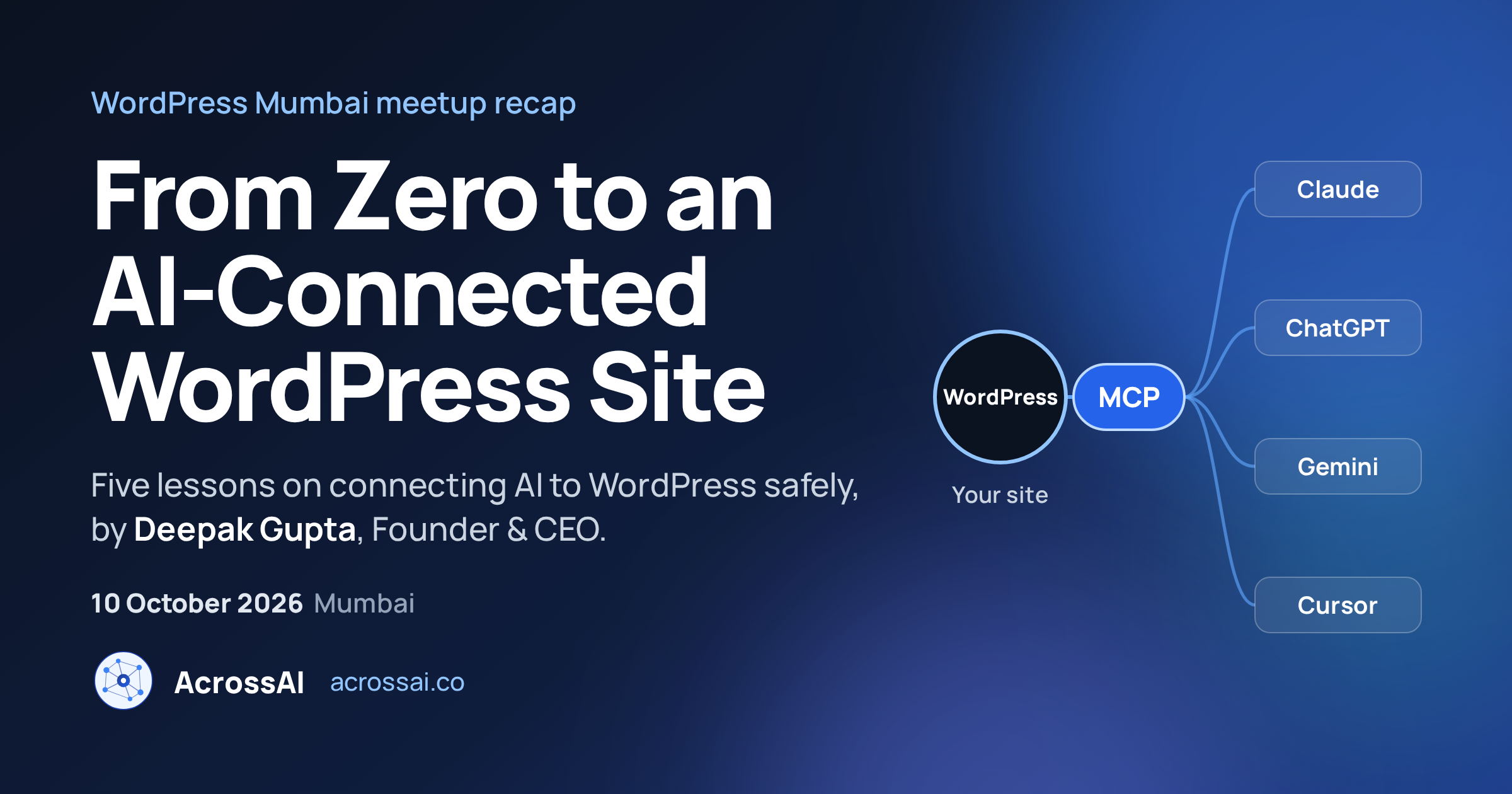
On 10 October, our Founder & CEO Deepak Gupta spoke at the WordPress Mumbai meetup on From Zero to an AI-Connected WordPress Site. Instead of slides full of theory, the talk walked the room through a real site being built and run by an AI assistant over MCP, then focused on the questions that matter once the demo is over: what the AI is allowed to touch, who it runs as, and what a person still has to do.
At a glance
- Event: WordPress Mumbai meetup, 10 October 2026.
- Talk: From Zero to an AI-Connected WordPress Site, by Deepak Gupta, Founder & CEO of AcrossAI.
- Format: a live walkthrough built on a 12-part video series, followed by questions.
- Big idea: connecting AI to WordPress is the easy part. Deciding what it may do is the real work.
- Want the full build? Every step is in our WordPress Mumbai Community site use case.
Why a Mumbai Meetup Talk on AI and WordPress
Plenty of WordPress users already ask ChatGPT or Claude to write about their sites. Far fewer have let one work on a site. That gap is exactly what MCP closes, and it now has an official home in WordPress through the Abilities API and the WordPress MCP Adapter, both shaped in the open by the Core AI team. Deepak contributes to the MCP Adapter, so the talk was grounded in where core is heading, not in one product.
To keep it real, the demo was a site for the community itself: a WordPress Mumbai Community website, started from a blank install and finished by Claude, with every step recorded on video.
Five Lessons for Anyone Connecting AI to WordPress
1. Admin-only is the right default
The connection, the MCP server and every ability start out available to administrators only. Widening access, for example to Editors, should be a deliberate choice you make later, not something you inherit.
2. Your abilities list is your permission list
Every active ability is something the AI can do. Plugins add their own: Rank Math alone brought 88. Review the list by category and switch off what the job does not need.
3. Context beats clever prompts
Telling the AI exactly where to change something, like “update theme.json to make it full width”, got the right result faster and used fewer tokens than a vague request. Better context, better output.
4. Design first, then let AI build
Pages came out best when they were designed first, in Claude Design or Figma using the site’s own global styles, and then handed to the AI to build in blocks. One source of truth for colours and fonts kept everything consistent.
5. A person still owns the important steps. Account connections, such as linking Rank Math to Google, stayed manual. And whenever the AI proposed a bigger change, it waited for a “yes” before acting. Keep that loop, especially on client sites.
Watch: Access Control and Defaults, Explained
The final video in the series is the one to send to anyone asking “but is it safe?”. It tours the active abilities by category, the two MCP servers, and how admin-only access and role changes work.
For all 12 videos, from a blank install to a published, SEO-ready blog post, see How I Built a WordPress Mumbai Community Demo Site With Claude.
Everything Used Is Free on WordPress.org
Nothing in the talk needed a paid tool on the WordPress side. The site was connected with MCP Manager, a UI layer on top of the official MCP Adapter, and its abilities came from Abilities Manager, both hosted on WordPress.org. That meant anyone in the room could repeat the whole thing on a test site the same evening.
AI-Connected WordPress: Quick Answers
What is an AI-connected WordPress site?
It is a WordPress site that an AI assistant such as Claude or ChatGPT can read and act on directly, through MCP, using the abilities the site exposes. Instead of copying text in and out of a chat, you ask the assistant and it makes the change in wp-admin.
Is it safe to let AI make changes on a WordPress site?
It can be, if you set it up on purpose: keep access admin-only to start, switch off abilities you do not need, try it on a test site first, and confirm bigger changes before the AI applies them.
Do I need to be a developer?
No. If you can install a plugin and add a connector in Claude, you can connect a site. The talk was aimed at site owners, agencies and freelancers as much as developers.
How often does the WordPress Mumbai meetup happen?
The WordPress Mumbai community meets regularly and the meetups are open to everyone. Follow the WordPress Mumbai Meetup group for upcoming dates.
Try it on your own site
Start on a test site, keep access admin-only, and connect your first AI assistant in a few minutes.
Next Stop: WordCamp Bengaluru 2026
Missed Mumbai? Deepak is co-leading the hands-on Connecting WordPress and MCP workshop at WordCamp Bengaluru 2026 on 21–22 November. Bring a laptop. Before that, he was in Jaipur for WordCamp Rajasthan 2026.
Thank you to the WordPress Mumbai organisers and everyone who came along and asked questions. Have a follow-up? Reach Deepak on LinkedIn or X.