
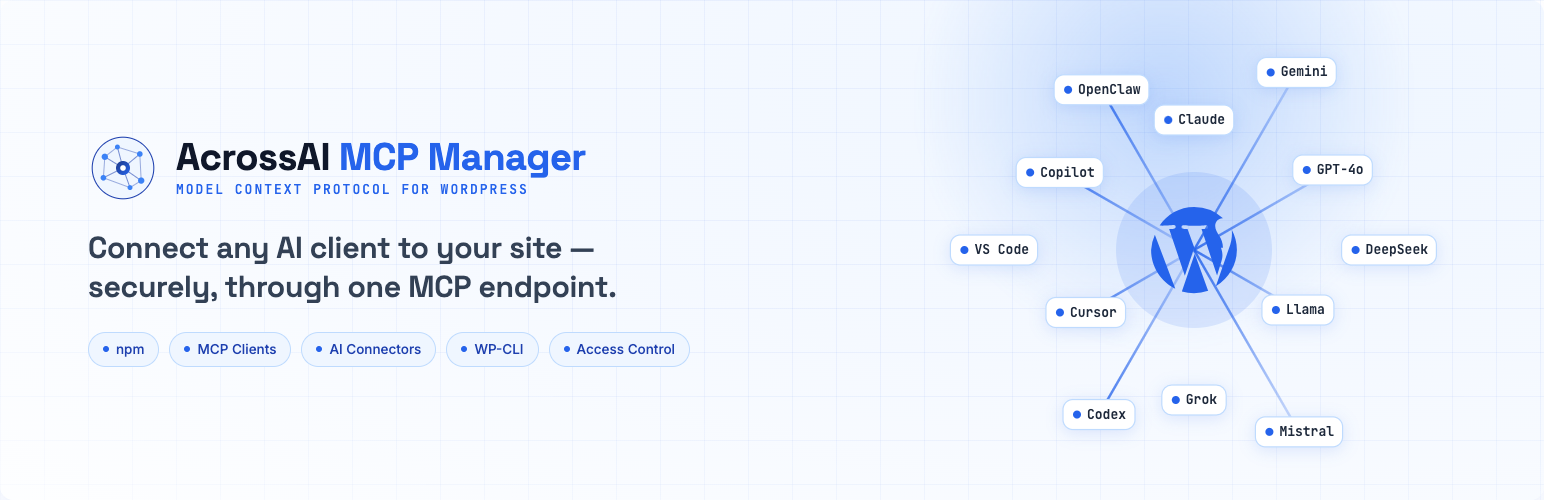
AcrossAI MCP Manager connects your WordPress site to AI assistants and code editors — like Claude, VS Code with Copilot, ChatGPT (Codex), Cursor and Gemini — so they can safely work with your site. It does this over the Model Context Protocol (MCP), using WordPress’s own secure Application Passwords. No custom code required.
What is MCP?
The Model Context Protocol is a common standard that lets AI tools connect to outside systems — like your website. When your site speaks MCP, an AI client can discover the actions you allow and use them on your behalf, with your permission.
What the plugin lets you do
- Connect popular AI clients with copy-paste JSON — Claude Desktop, Claude Code, VS Code, GitHub Copilot, Codex, Cursor, Gemini CLI, or any custom client.
- Generate secure credentials in one click using WordPress Application Passwords.
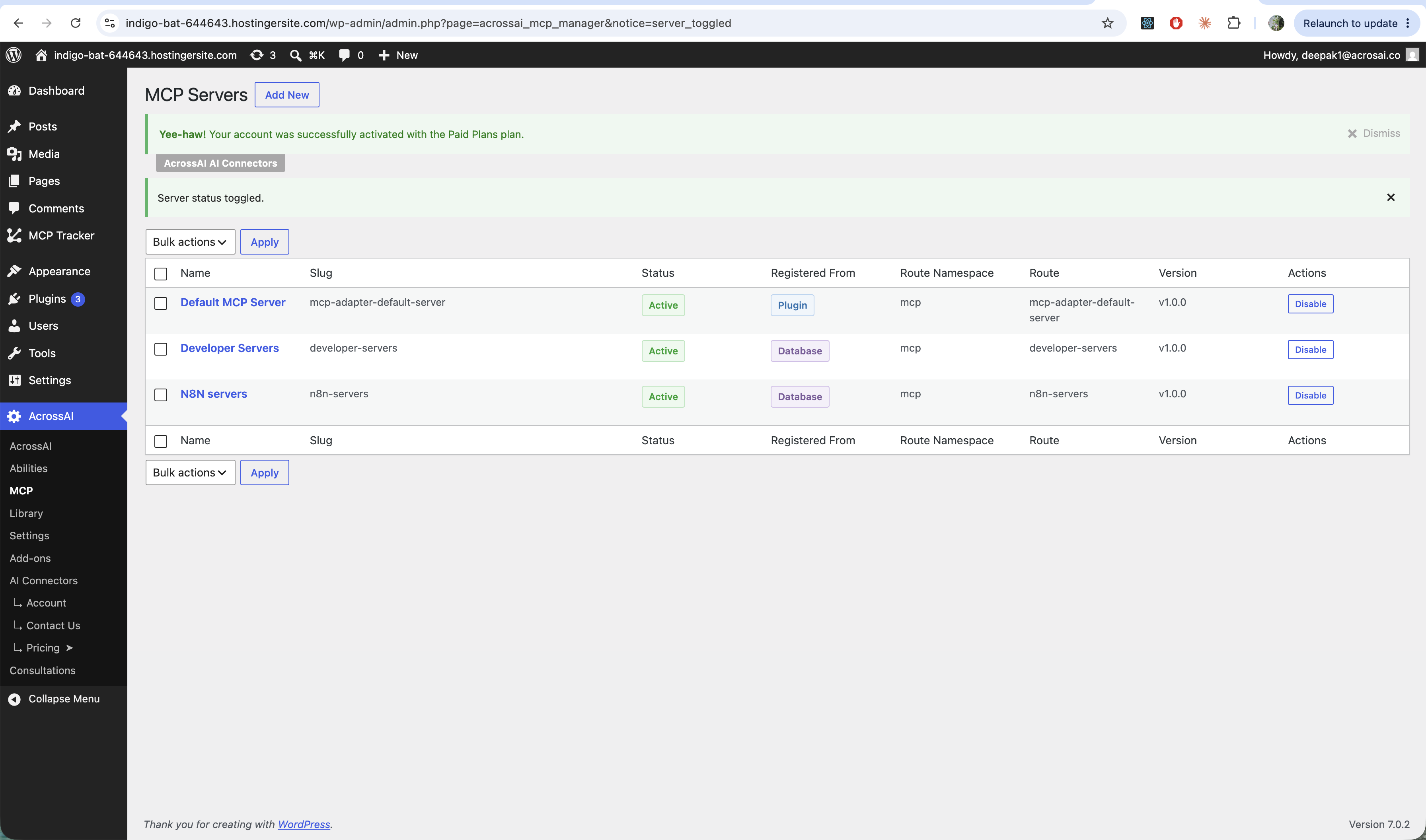
- Run several MCP servers and decide who can use each one.
- Choose exactly which tools and abilities each server exposes.
- Connect from the terminal (npm / npx or WP-CLI) as well as from apps.
Who is it for?
Anyone who wants to use an AI assistant or code editor with their WordPress site — without hand-writing config files or handing over their main password. If you can use the WordPress dashboard, you can set this up.
New here? Start with Install & activate the plugin, then Getting started: connect your first AI client.