
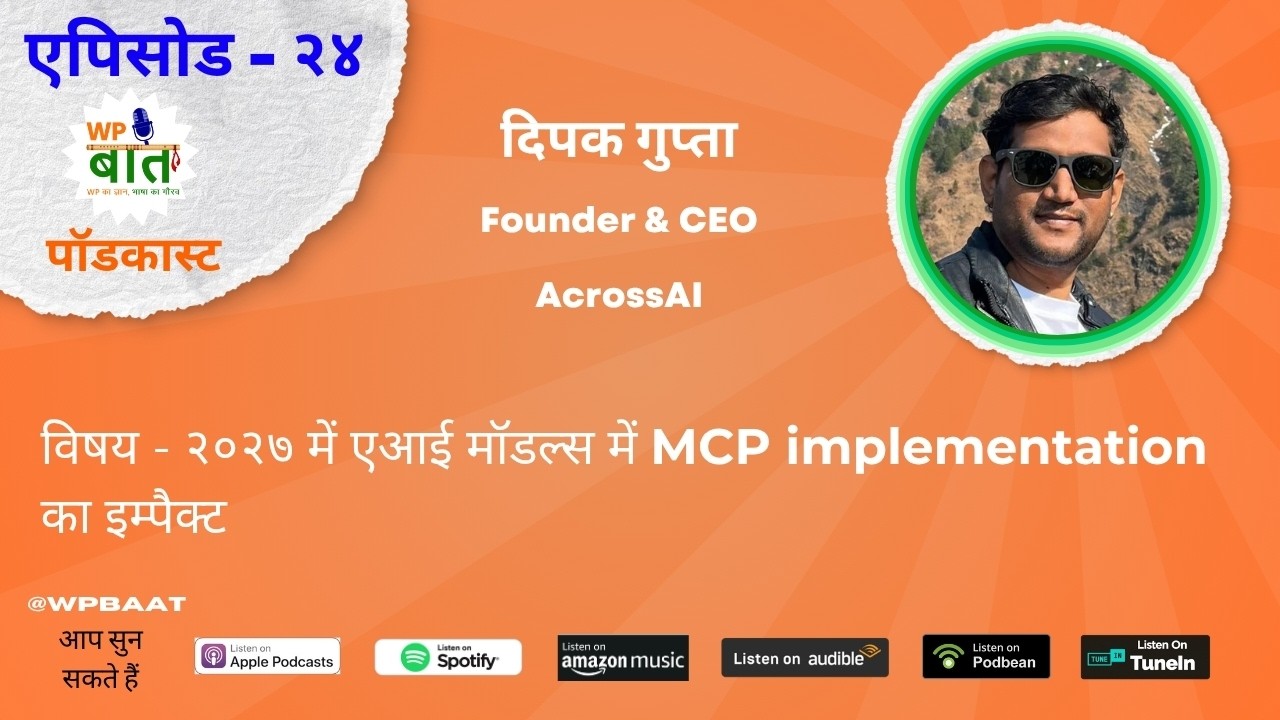
I recently joined Sumant Lohar on WP Baat, a Hindi podcast about WordPress, for its 24th episode. The topic was one I care about a lot: the impact of MCP on AI models in 2027. We talked about what WordPress MCP actually is, how the MCP Adapter connects AI clients like Claude and ChatGPT to WordPress, and how site owners, developers and small businesses can use it in practice.
Key takeaways
- WordPress MCP runs on a standard protocol, so one connection lets Claude, ChatGPT, Gemini and others work with your WordPress site.
- The Abilities API is already in WordPress core, and the MCP Adapter is being discussed for core next.
- AI does about 80–85% of the work. You stay the mentor who refines the last part.
- Keep payment gateway setup manual, and automate everything around it.
- Self-hosted, open-source MCP is where enterprise demand is heading.
Watch or listen on
From Bank Cashier to WordPress Developer
People are often surprised that I’m an accountant by degree. After my B.Com, I worked as a cashier at a bank, counting cash all day. The pay was good, but I didn’t enjoy the work, so I left. My family wasn’t thrilled about that.
I repaired computers for a while, then took a short C++ course. That’s when I realized I wanted to build software. Finding a job was hard at first, because many companies rejected me as soon as they saw “B.Com.” Then a school friend, Sourabh Matolia, helped me get hired at a small startup called EMedia Identity, and that’s where my IT career began.
My path after that
- EMedia Identity, where I learned WordPress and BuddyPress in depth.
- rtCamp, where I learned to write systematic code and was introduced to the WordPress community and WordCamps. I also took my first photo with Matt Mullenweg there.
- GiveWP, a US company that taught me US work standards and remote work, long before working from home was common.
- BuddyBoss, where I learned ownership and team building. I also ran a live sales site with recurring payments, gateways, support and marketing. Running a sales site teaches you things that coding alone never will.
- Toptal freelancing, which I still do alongside building AcrossAI.
One lesson stayed with me through all of it: build relationships and respect them. I’m still in touch with my very first boss, and with almost every former manager and mentor I’ve had. Being able to call someone at night when you’re stuck, and having them help you, is the achievement I value most.
What Is WordPress MCP, Really?
MCP (Model Context Protocol) is a protocol, a set of rules, much like HTTPS or FTP. It acts as a bridge between an AI model (Claude, ChatGPT, Gemini, Codex) and another system, such as your WordPress site. WordPress MCP simply means your site speaks this protocol, so any AI client can read and act on it.
Before MCP, every AI company had its own way of connecting to external systems. A WordPress site would have needed a separate adapter for Claude, another for OpenAI, and so on. Maintaining all of those would have been a nightmare. MCP standardized this, and it is now maintained under the Linux Foundation. If you follow the protocol, every major LLM can talk to your system.
It’s no longer just for developers
Early on, much of the WordPress AI work focused on the PHP AI Client: adding a “Generate Image” button here and a “Generate Text” button there. But you can’t build a button for every possible task. MCP turns that around. You expose abilities, and the AI decides how to use them. The MCP Adapter was originally built with developers in mind. Today it is really a tool for site owners.
The WordPress MCP Adapter is heading into core
The Abilities API has already made it into core, and there are active discussions in the Core AI channel about bringing the WordPress MCP Adapter into core too. When that happens, AI being able to manage WordPress will become a built-in feature rather than an add-on. The way we use WordPress today is going to change. If you’re deciding between the official adapter and a management layer on top of it, I’ve written a full comparison: MCP Adapter vs MCP Manager.
The WordPress MCP Plugin Landscape: WPVibe, Novamira, Easy MCP AI and More
On the podcast I said it plainly: this change is coming, and many players are already building for it. WPVibe, Easy MCP AI, Novamira and others all connect AI to WordPress, and InstaWP has published a roundup testing a long list of WordPress MCP plugins. That’s a good sign. It means the category is real. The main difference between these tools is where your data travels:
| Plugin | Where AI requests go | Usage limits | Worth knowing |
|---|---|---|---|
| WPVibe | Through WPVibe’s hosted cloud service, then to your site | Daily tool-call cap on every plan (100 a day on the free plan) | A relay sits between the AI client and your site |
| Novamira | Straight to your site | No credits or action quotas | Open source, built on the official MCP Adapter, deep admin-level access for developers |
| Easy MCP AI | Straight to your site | No vendor quota; a rate limit you set (60 requests a minute per token by default) | Runs on your own site, with no relay in the middle |
| AcrossAI MCP Manager | Straight to your site, no third-party relay | None. Nothing is metered | Built on the official MCP Adapter, with an admin UI for multiple servers, per-client setup and per-request access control |
Pair MCP Manager with Abilities Manager, both on WordPress.org, to give AI hundreds of ready-made abilities. If you’re looking for a WPVibe alternative that keeps every request on your own server, that self-hosted, no-middleman design is exactly why I built AcrossAI.
Real WordPress MCP Use Cases With Claude
1. A Black Friday campaign from one prompt
Suppose Black Friday is tomorrow and you need a popup. With your site connected over MCP, a single prompt can install the plugin, write the copy, set up the popup and collect email addresses. You write the prompt, and the AI handles the rest in a few minutes.
2. Client reporting without the dashboard
One of my long-term clients uses MemberPress and an email-logging plugin. She used to ask me for reports again and again: sales numbers, whether a member opened an email, whether a renewal email was sent. Now she asks Claude directly, and Claude answers. Yes, that means less work for me. But I know this change is coming anyway. If I don’t offer it, someone else will.
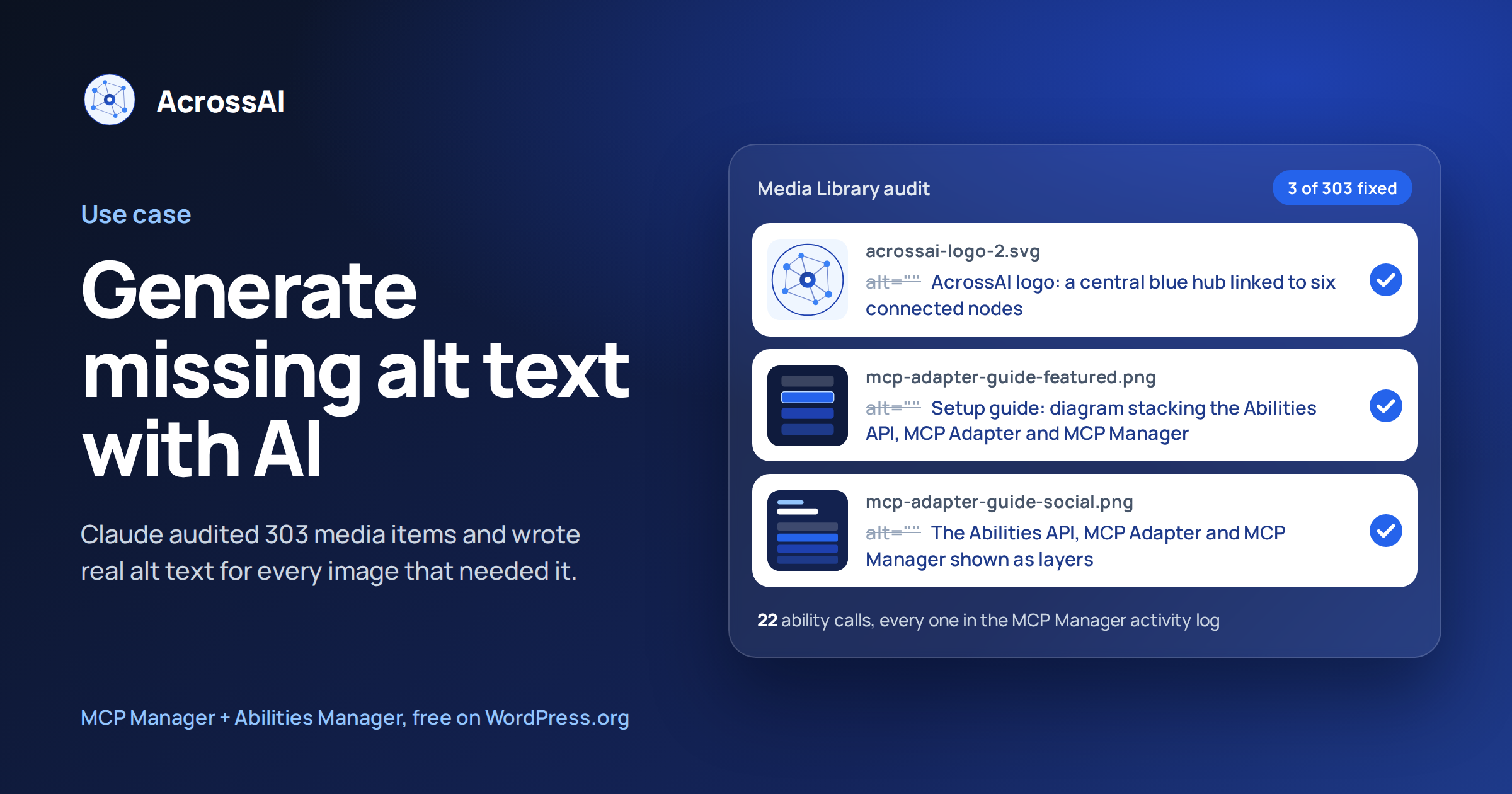
3. Bulk image alt text
Do you have thousands of images without alt text? Connect your site, give one prompt, and the AI will send each image to the model, generate the alt text and save it back to the site. You can walk away while it runs in the background.
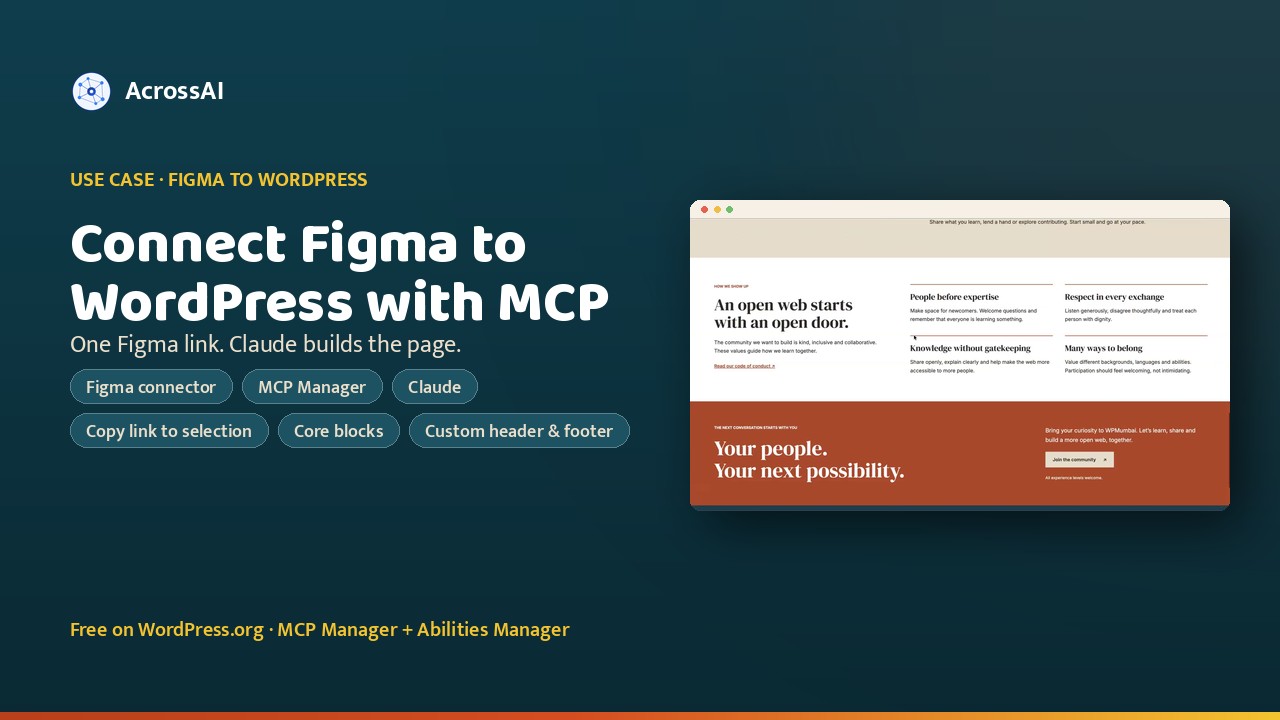
4. Figma to WordPress landing pages
I design in Figma, connect Figma and my WordPress site to Claude over MCP, and ask it to build the page. It gets about 85–90% of the way there. The remaining 10% is quick manual polish.
5. Custom plugin work
I use WordPress agent skills (about 90% the official ones, plus 10% of my own project rules). With them, Claude can read a plugin, find the right action hooks, add a custom patch, for example on the checkout page, and write test cases for it. My job becomes mentoring the AI, not typing every line.
6. Video editing without knowing video editing
This is my favorite. I don’t know video editing, but DaVinci Resolve can connect to Claude over MCP. Give it raw footage and ask for a summary video or a Short, and it pulls the transcript, cuts, syncs and exports. While recording, I can even say “Claude, cut from here” and it knows which section to remove. I then post the result to LinkedIn and X through MCP as well (Shorts need to stay under about 6 MB on some platforms).
See more WordPress MCP use cases
Real jobs done on live WordPress sites with AI over MCP, with the prompts, the abilities used and what changed. All use cases →

How to Generate Missing Alt Text in WordPress With AI (MCP Manager + Claude)
I asked Claude to find every image on acrossai.co without alt text. It audited 303 media items, wrote alt text for the…

How to Connect Figma to WordPress with MCP (MCP Manager + Claude)
Connect Figma to WordPress through MCP: the Figma connector reads a frame, MCP Manager lets Claude build it in blocks on your…
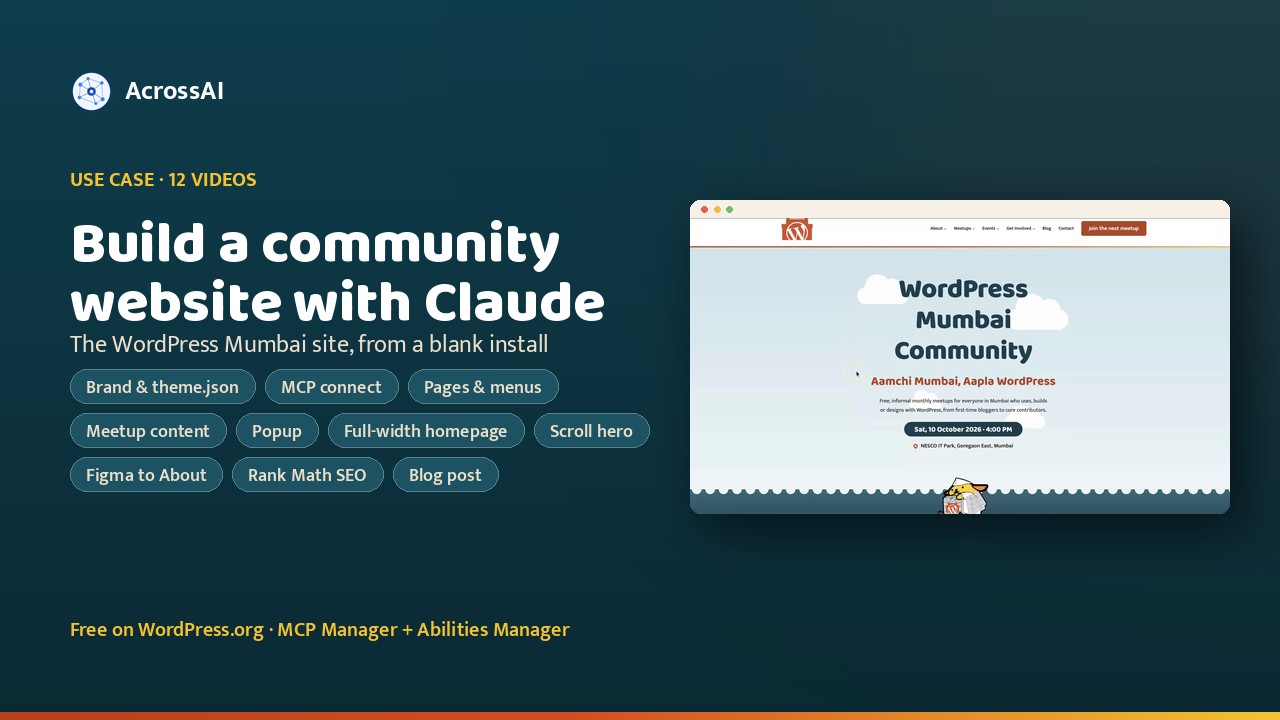
How I Built a WordPress Mumbai Community Demo Site With Claude
For a WordPress Mumbai meetup talk, I built a demo site for the WordPress Mumbai Community with Claude over MCP: brand research,…
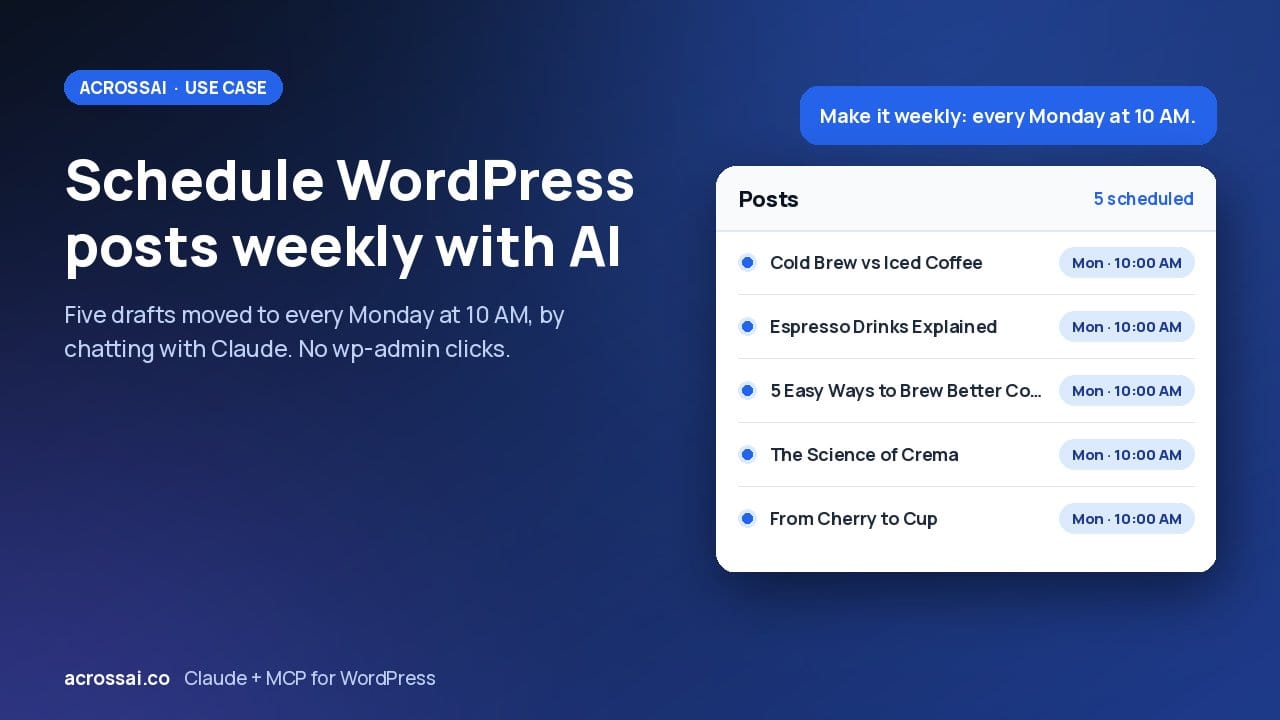
How to Schedule WordPress Posts Weekly Using AI (AcrossAI + Claude)
I scheduled five WordPress drafts by chatting with Claude, then switched them to every Monday at 10 AM with one message. No…
Where WordPress MCP Shouldn’t Be Trusted Blindly: Payments
⚠️ Sumant asked about payments in e-commerce. My answer: the payment connection itself stays manual. Banking runs on live transaction APIs and OAuth flows with third-party gateways. I wouldn’t trust AI with that step, and I’d always test a live payment myself.
Everything around the payment can be handled with MCP, though. That includes installing WooCommerce, creating products, checking that reports are generated, confirming that emails go out and validating that the payment structure works.
A Quick Security Note
🔒 We also discussed the recent global PHP security update. The vulnerability allowed remote code execution, which is serious. If you’re on managed hosting (WordPress.com, cloud hosts and so on), it has likely already been patched for you. If you run a self-hosted VPS with your own PHP and MySQL stack, update right away. On most cPanel setups, it’s a single click.
Is WordPress MCP Ready for Businesses to Rely On?
Yes. MCP itself is already in very good shape. The next round of improvement is in model training, not in the protocol. Almost every major service is becoming MCP-compatible, and that sets the standard.
For small businesses and solo founders, it’s cost-effective. I run AcrossAI largely on my own, putting in about five hours a day while also serving clients. Without AI, I couldn’t build or market all of this. I still spend most of that time reading code line by line, because security comes first for me.
Here’s the honest caveat: human touch still wins. Social platforms favor content posted by hand over automated posts. AI has also flooded the market with content. A friend of mine posted one job opening and got 900 applications, and only six or seven were worth interviewing. Quality still comes from people.
What works best is human craft combined with MCP automation. Write the blog post yourself, then let MCP distribute it to the 10–12 places you would otherwise post manually.
The Future: Open-Source Models + Self-Hosted WordPress MCP
My strongest prediction for 2027–2028 is that open-source models will matter a great deal, especially for enterprises. Large companies don’t want their data going to any third-party AI provider. They’ll host models like Llama on their own servers, train them on their own data and connect them to their systems over MCP.
That’s the gap AcrossAI is built to fill. MCP Manager is open source and self-hosted: every change is logged and auditable, and no data leaves your server.
WordPress MCP: Quick Answers
What is WordPress MCP?
WordPress MCP lets AI clients such as Claude, ChatGPT, Gemini and Cursor connect to a WordPress site through the Model Context Protocol, so they can read content and run actions using the site’s registered abilities.
What is the WordPress MCP Adapter?
The MCP Adapter is the official WordPress plugin that exposes Abilities API abilities over MCP. It is currently a plugin, and there are discussions about bringing it into WordPress core. MCP Manager adds an admin UI and access control on top of it.
Is there a self-hosted WPVibe alternative?
Yes. AcrossAI MCP Manager is a self-hosted WordPress MCP plugin: it runs entirely on your own WordPress server and connects AI clients directly to your site, with no third-party relay in between.
Can AI set up payments on my WordPress site over MCP?
Keep the payment gateway connection manual: it runs on live transaction APIs and OAuth with the gateway, and you should test a live payment yourself. Everything around it, such as installing WooCommerce, creating products, checking reports and confirming emails go out, can be handled over MCP.
My Message to the WP Baat Audience
“AI won’t take your job. Not adapting to AI will.”
Think of AI as a smart intern. It’s capable and fast, but it still needs mentoring, and the final refinement is always your job. It will do 80–85% of the work and remove repetitive tasks so you can take on more clients and focus on what needs real skill.
Start now. There are free tiers and programs from Claude, ChatGPT, Gemini and Grok. If you want to go further, explore open-source models.
Thank you to Sumant and the WP Baat team for having me. They’re doing great work making WordPress knowledge available in Hindi through WP Baat, and in Gujarati through WPVaat. I hope an English edition comes next.
Try WordPress MCP on your own site
Set up WordPress MCP yourself: connect Claude, ChatGPT or any MCP client, self-hosted, with no relay in the middle.
Follow WP Baat and Sumant Lohar
If you enjoyed this conversation, catch every WP Baat episode and say hello to the host.
🎙️ WP Baat Hindi Podcast
WordPress conversations in Hindi with builders, founders and community members from across India.
- Watch: YouTube
- Listen: Spotify · Apple Podcasts · Amazon Music
- Follow: LinkedIn · X · Instagram
👋 Sumant Lohar, host
Podcaster behind WP Baat (Hindi) and WPVaat (Gujarati), and a long-time WordPress community organiser and speaker.
- Website: sumantlohar.com
- WordPress.org: @sumantlohar
- Follow: LinkedIn · X · Instagram · Facebook
Deepak Gupta (@raftaar1191 on WordPress.org), Founder & CEO, AcrossAI
Featured image: episode artwork from the WP Baat Hindi Podcast by Sumant Lohar.