
The WordPress Capability option restricts a resource by capability — the individual permissions that make up a role (like edit_posts or manage_options). It’s the most precise built-in option.
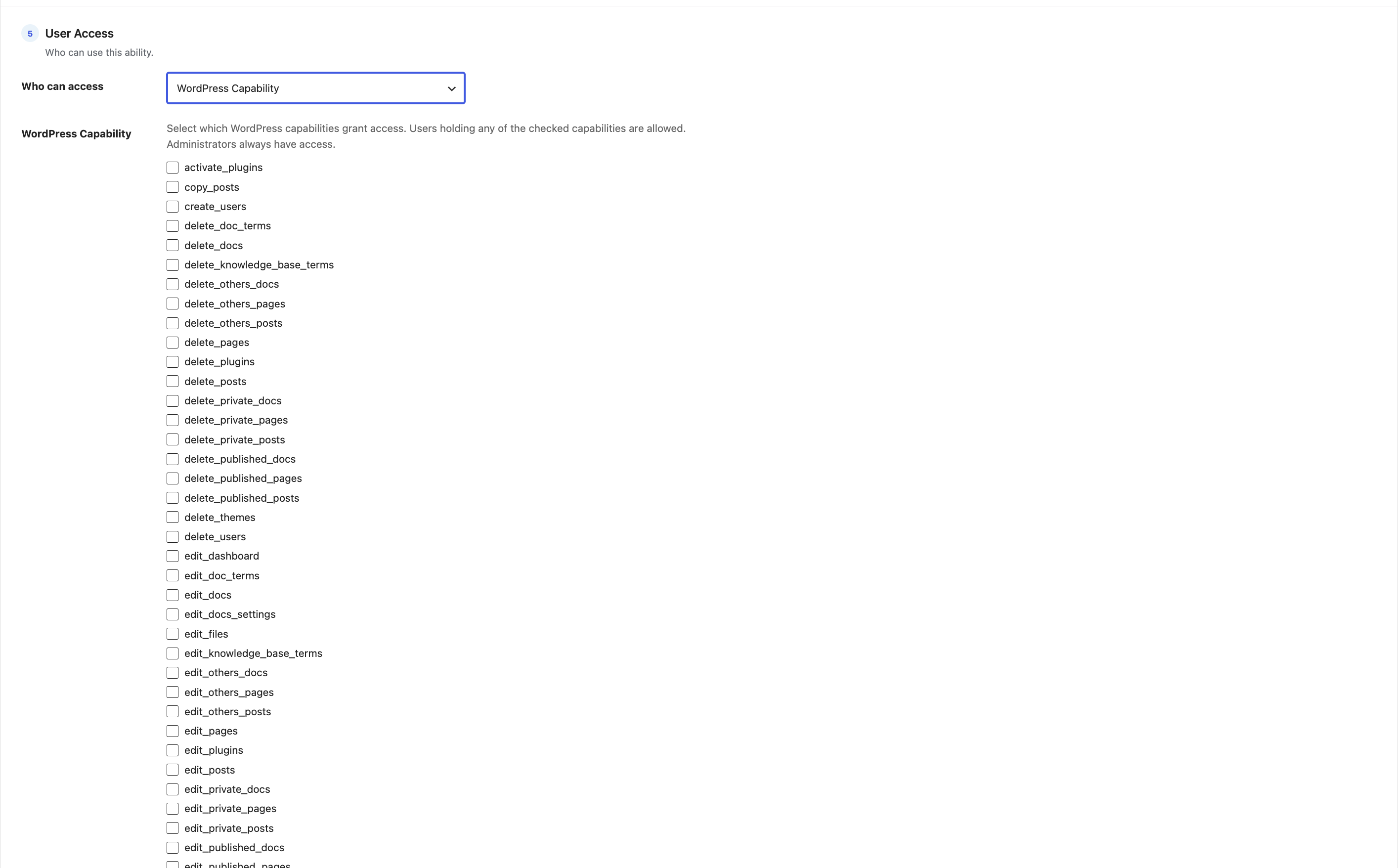
How to use it
- Choose WordPress Capability to reveal a checklist of capability slugs.
- The list is built from every role on your site, so capabilities added by other plugins — WooCommerce, Members, User Role Editor and the like — appear automatically.
- Tick the capabilities that should grant access, then save.
How access is decided
A user is allowed if they hold any one of the ticked capabilities (as reported by WordPress’s user_can()). Administrators always have access.
When to choose capability over role
Capabilities are handy when you care about what someone can do rather than what their role is called — for example, “anyone who can publish_posts” covers Editors, Authors and any custom role that grants it, all at once.
Tip: Not sure which capability you need? Start with a WordPress Role rule — it’s simpler — and switch to capabilities only when you need that extra precision.