
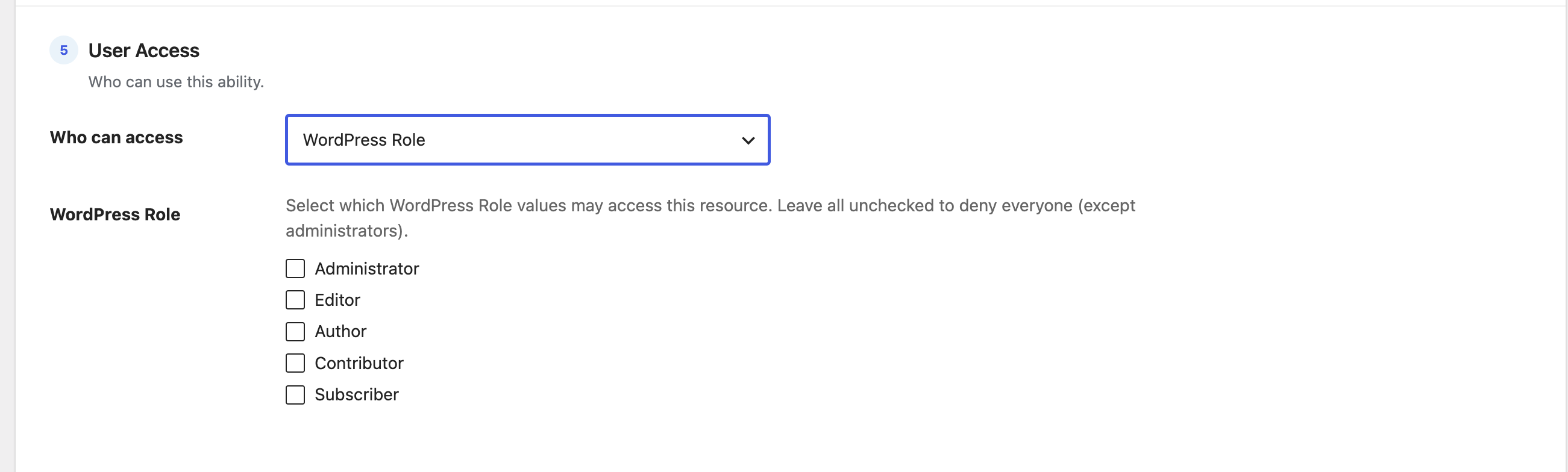
The WordPress Role option restricts a resource by role. It’s the most common way to open something up to a group — for example, “all Editors” — without naming individual people.
How to use it
- Choose WordPress Role from the dropdown to reveal a checkbox for each role on your site — Administrator, Editor, Author, Contributor, Subscriber, plus any custom roles added by other plugins.
- Tick the roles that should have access.
- Save.
How access is decided
- A user is allowed if they have any one of the ticked roles.
- Leaving every box unchecked denies everyone — except administrators, who always have access.
Roles vs capabilities: roles are the simple, everyday choice. If you need finer control — “anyone who can publish posts” regardless of their role name — use WordPress Capability instead.