
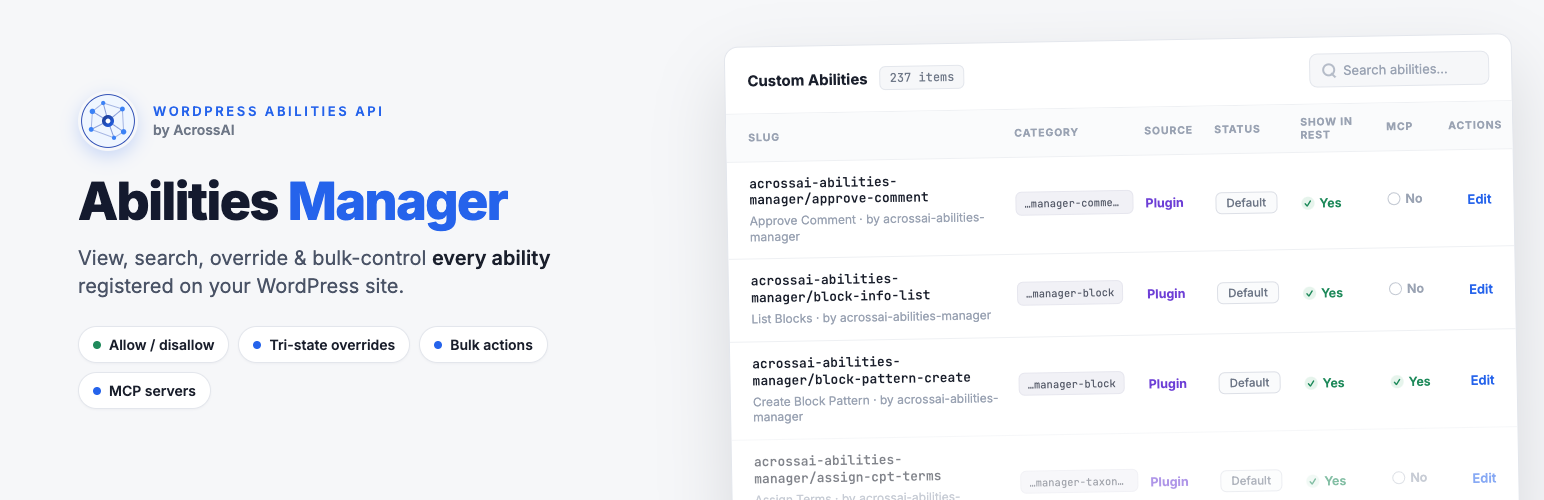
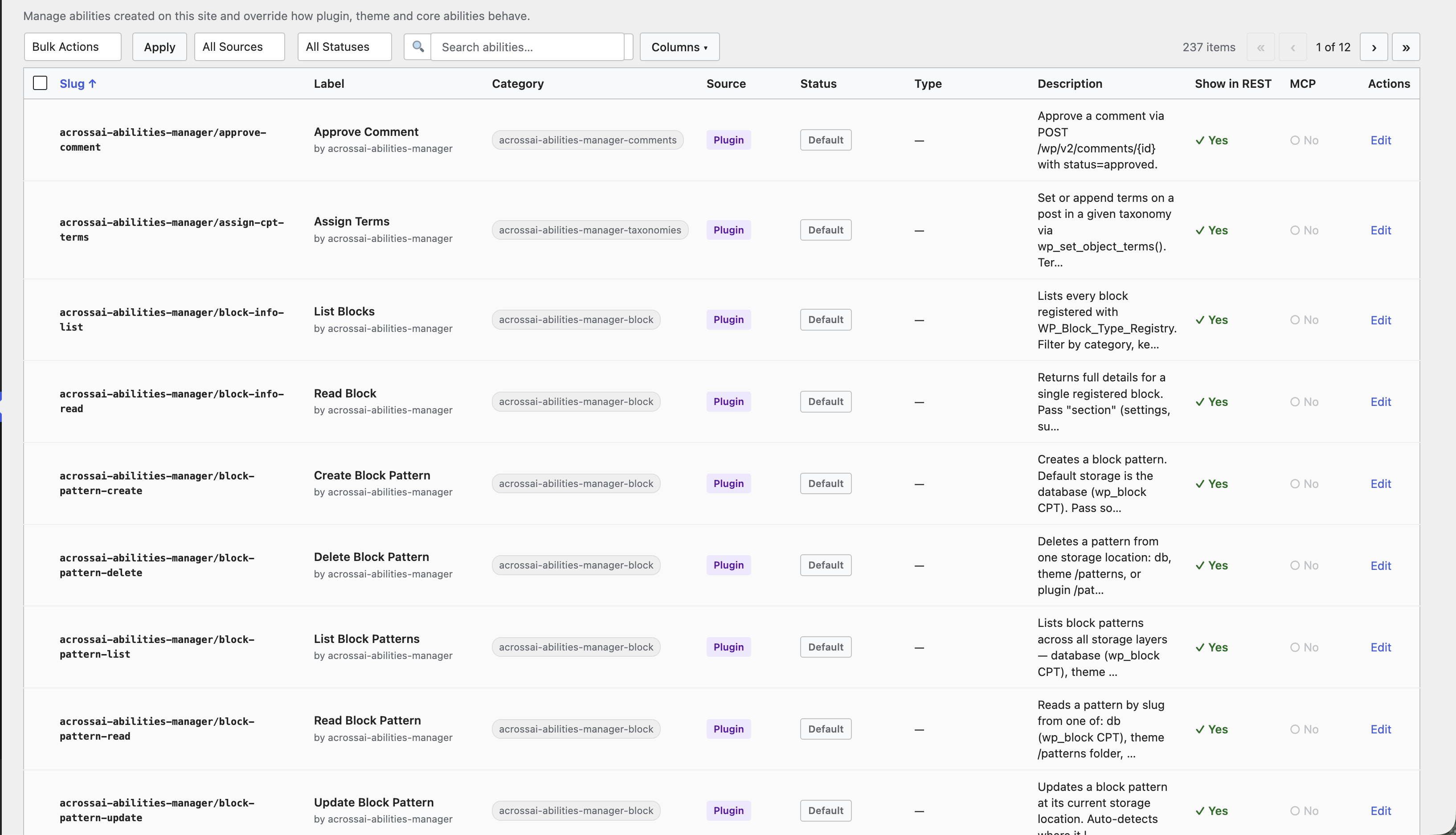
AcrossAI Abilities Manager is a control panel for the AI “abilities” on your WordPress site. It gives you one screen where you can see every action an AI assistant could take on your site — and decide, in plain clicks, which ones are allowed and which are switched off.
What is an “ability”?
An ability is a single thing an AI can do on your site — for example “create a post”, “upload an image”, or “list users”. WordPress and other plugins register these abilities so that AI tools (like Claude, ChatGPT or Copilot) can use them safely. On its own, WordPress gives you no easy way to see or manage that list. This plugin does.
What the plugin lets you do
- See everything — every ability on your site in one searchable table.
- Turn abilities on or off with a single click.
- Fine-tune how each ability behaves — without touching any code.
- Group controls — enable or disable whole families of abilities from the Library.
- Stay in control of what AI can and cannot do on your site at all times.
Who is it for?
Anyone who runs a WordPress site and wants AI tools to help — without handing over the keys to everything. You don’t need to be a developer. If you can use the WordPress dashboard, you can use AcrossAI Abilities Manager.
New here? Start with Install & activate the plugin, then Getting started: your first five minutes.